Let's imagine a company that wants to eliminate the routine work of transcribing calls, saving follow-ups, and especially the difficult task of finding agreements across a million audio files.
At the start, it has an out-of-the-box AI tool that can transcribe audio calls perfectly. For example, Yandex SpeechKit or TL;DV.
But as we already said, this tool does not satisfy the client company in terms of convenience.
Every day brings dozens of calls, each one needs to be uploaded, the transcription must not be forgotten, and the short summary must be formatted correctly; in terms of security.
Calls discuss confidential data that must not become publicly accessible; based on the outcome.
To send it, the meeting summary must be formatted in a strictly regulated way, and transcripts must be stored on the corporate drive. And finding information about older calls should be easy.
The out-of-the-box AI version can only transcribe and summarize
The first thing the integrator and the client company should discuss is the call process: how and where the meeting is scheduled.
Does the company use a separate calendar for this, or perhaps a Bitrix extension?
Can the calendar automatically generate a link for an online call?
Where are meetings held, and in what format?
Are all meetings held as video calls in Meet or Telemost
Or perhaps a tool is chosen for each call that is convenient for the other party, from telephony to Meet itself?
What should happen after the meeting?
Should all participants receive the follow-up email, or should only the external user get it?
Should the email also go to anyone else, for example a department head, so they stay informed about all new agreements?
Where else, besides the follow-up, should call data be stored: in the calendar, CRM system, or ERP?
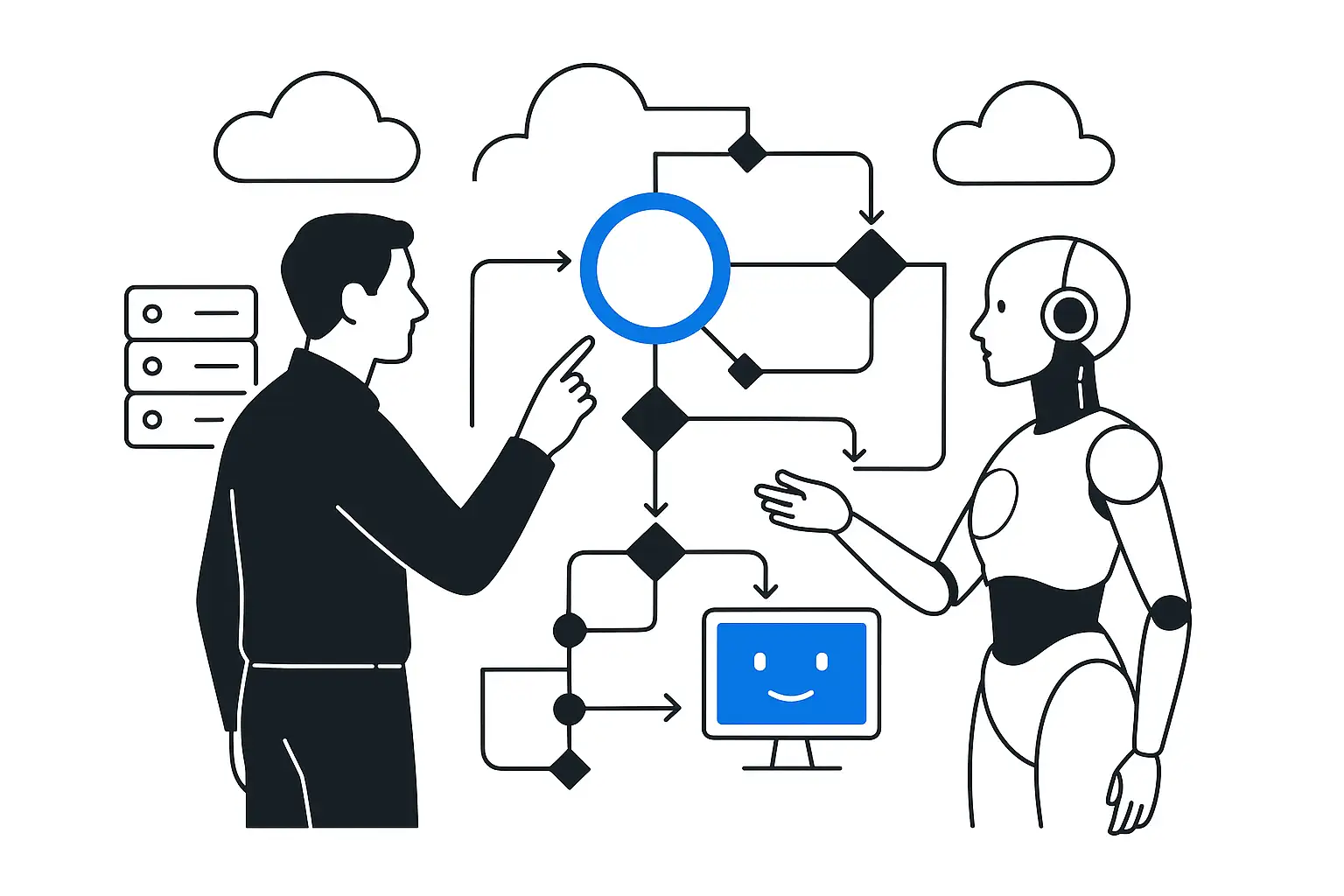
Based on this discussion, the integrator will outline which systems the AI solution needs to integrate with to ensure a seamless call process. For example, KT.Team integrated AI for call handling into its processes so that an employee only needs to press the record button during a call. The AI assistant "understands" which meeting the recording belongs to and which project the call is part of based on the participants, sends follow-up emails to all participants on its own, and stores transcripts on the corporate drive.
This AI assistant was integrated with Google Calendar, email, and the corporate drive.
To make AI send emails in the corporate formatting standard, it was given templates and prompts for creating meeting summaries. The second thing to discuss is the future of the call data.
How does the company plan to use the data later: store it in the customer or project record?
Or is placing it on the corporate drive enough?
Do employees refer to data from previous calls
And if they are contacted rarely now, why is that: there is no need, or is it too slow and complicated?
What information, beyond the call content itself, should management receive: script compliance, the ability to record agreements during the call, polite communication skills, and so on?
These three points will help you understand two things.
First: does the company need a chatbot, and how should it be integrated with the transcript repository?
Second, which additional prompts need to be developed to analyze transcripts. For example, a company may want to assess how effective sales managers are and how well they handle conversations.
For example, you can use this set of questions rated on a Likert scale (from 1 to 5 points):
A manager needs to analyze each employee's performance and how it changes over time - for that, there is a pivot table with conditional cell coloring.
An employee's or project's progress can be tracked with a very simple visualization.
To get information about past calls, you do not need to dig through dozens of transcripts - just ask the chatbot, which is integrated with the data repository.
It will find the answers itself and provide a link to the transcript file.
The third group of questions the integrator can help with is data security.
Do calls include customers' personal data: names, phone numbers, medical data, financial account details, and so on?
Are there differences in the content of follow-ups for internal and external users?
What security requirements do you have overall?
Based on these answers, the integrator will suggest where to deploy the AI and what additional security measures to take. For example, if your calls often involve confidential data such as personal information or proprietary developments, the integrator will recommend hosting the language model for call processing on your servers.
This will make it possible to isolate "your" AI from the AI that works with all the world's data. And it will protect you from leaks of confidential information.
The integrator will develop update scenarios for the language model so you can safely use the latest AI versions.