










It is risky to add AI to ERP as a decorative "ask the neural net" button. Users expect action, not just text: find overdue invoices, explain an order status, suggest the next step, fill in a product description, draft a customer email, or produce a short deal summary. Odoo 19 is clearly moving in this direction: the official release notes mention AI agents, AI agent database queries, and an AI button, while the AI fields documentation describes generation and value suggestions directly in forms and records.
Where AI Is Useful in Odoo
The first class of scenarios is help with data inside a record. An AI field can generate a product description, summarize notes, or fill in a structured field from context. The second class is queries to the database: the user asks in natural language, not SQL, for example, "show overdue invoices for this customer." The third class is an internal policy assistant: a RAG assistant explains how to place an order, what discount can be applied, and which documents are needed for shipment.
But each of these scenarios needs limits. ERP stores prices, customers, agreements, payments, and personal data. So the agent must not read all tables directly. It needs a controlled access layer: roles, auditing, an allowlist of actions, masking of sensitive data, and response logging.
How to Add AI Without Chaos
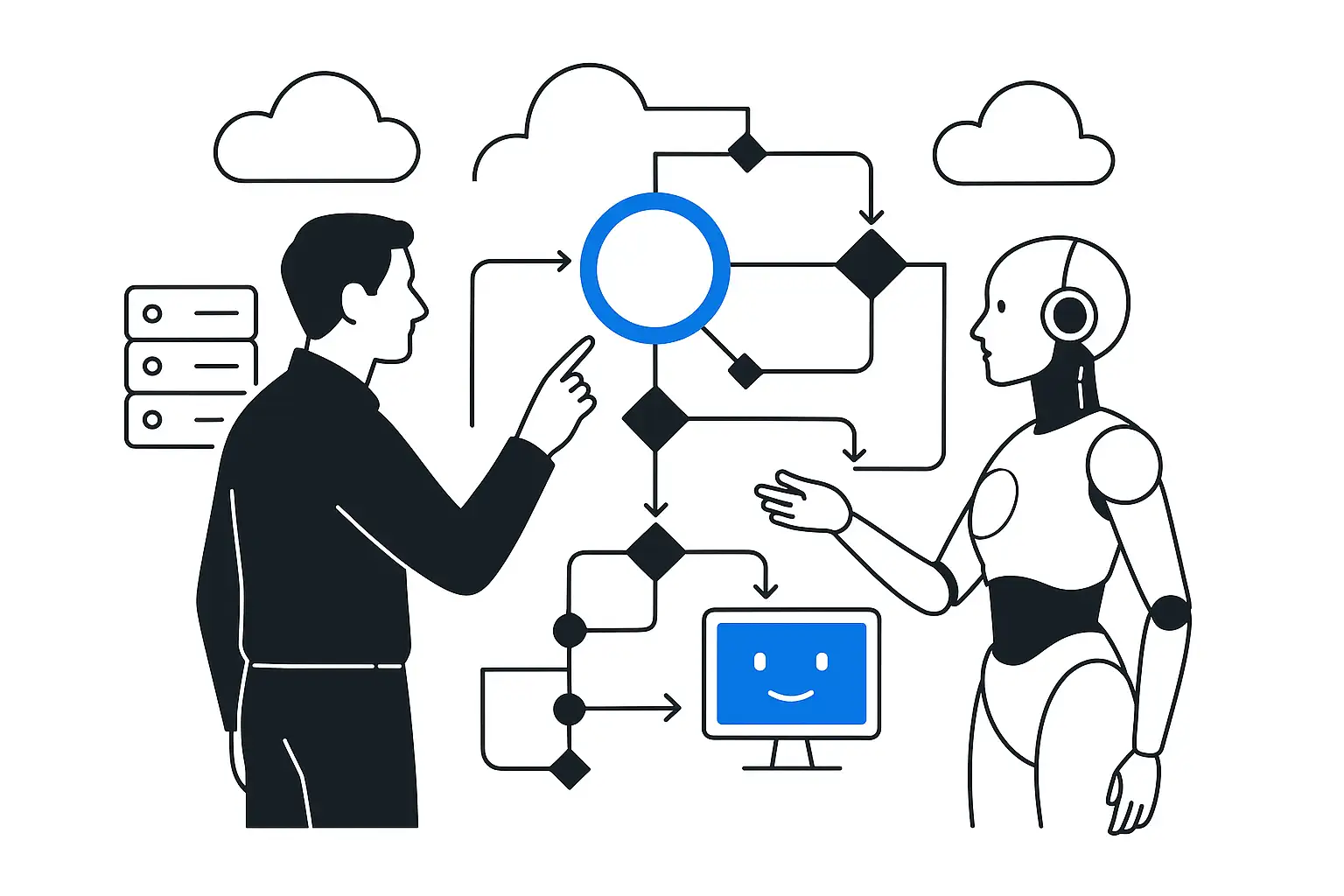
A loosely coupled setup looks like this: Odoo remains the transactional system, while the AI layer accesses it through an API/MCP gateway. The gateway checks user permissions, limits the set of available operations, and returns only the context the agent needs. For knowledge that is not transactional data, RAG is used: policies, instructions, warehouse FAQs, discount rules, and document templates. The assistant's answer should reference the source or record, and each action should be logged.
This approach works with both the built-in capabilities of Odoo 19 and external enterprise assistants. Built-in AI fields help inside the Odoo interface, while an external agent can connect Odoo with email, tasks, BI, and a knowledge base. The key is not to merge these layers into one opaque automation.
What to Fix First
AI amplifies the quality of the data that already exists. If order statuses conflict, reference data is duplicated, roles are undefined, and the process lives in email threads, the agent will confidently answer from bad data. The first step is to document the workflow, decision owners, sources of truth, and access limits. Only then is it worth enabling AI fields, RAG, or agent actions.
Process Takeaway
AI in Odoo is useful when it helps users take action faster and more safely: fill a field, find a record, explain a policy, or prepare the next step. For enterprise adoption, it should work through a controlled access layer, not as an open chat on top of ERP.