Module 1
Model capabilities and limitations
What modern models can do, where they make mistakes, which tasks can be delegated, and where the decision remains with a human.

Claude · Training · Executives
An online program for management teams: 50% foundational literacy and 50% work on your processes. In the standard format, participants learn Claude and other models over two days, then design 3–4 practical use cases.

Leaders do not need an overview of dozens of AI tools. They need a safe way to apply AI to their own decisions, documents, and management processes. That is why half the program covers the fundamentals, while the other half focuses on participants' tasks.
What you get
Project journey
Before the first training session, we assess the team's level and actual processes, select priority operations, and prepare exercises using the client's materials.
We agree on the format, price, and group composition, then sign the documents.
OutcomeScope, deadlines, and responsibilities are defined
We send a short questionnaire asking which AI tools participants already use, for what tasks, and where they encounter difficulties.
OutcomeWe assess the group's starting level
We identify repetitive operations that take time and could potentially be delegated to an AI agent.
OutcomeWe receive a list of the company's actual tasks
Together with the client's designated representative, we select the top operations and define the workflow.
OutcomeThe program is tailored to this team
We analyze operations, prepare instructions and quality criteria, and build demo versions of agents using test or anonymized data.
OutcomePractice begins with prepared use cases
We agree on the dates, duration, and sequence of training sessions.
OutcomeParticipants know the plan and preparation requirements
Participants learn the general approach, then build and test agents for selected operations together with experts.
OutcomeThe team independently performs selected operations with the help of AI agents
Program
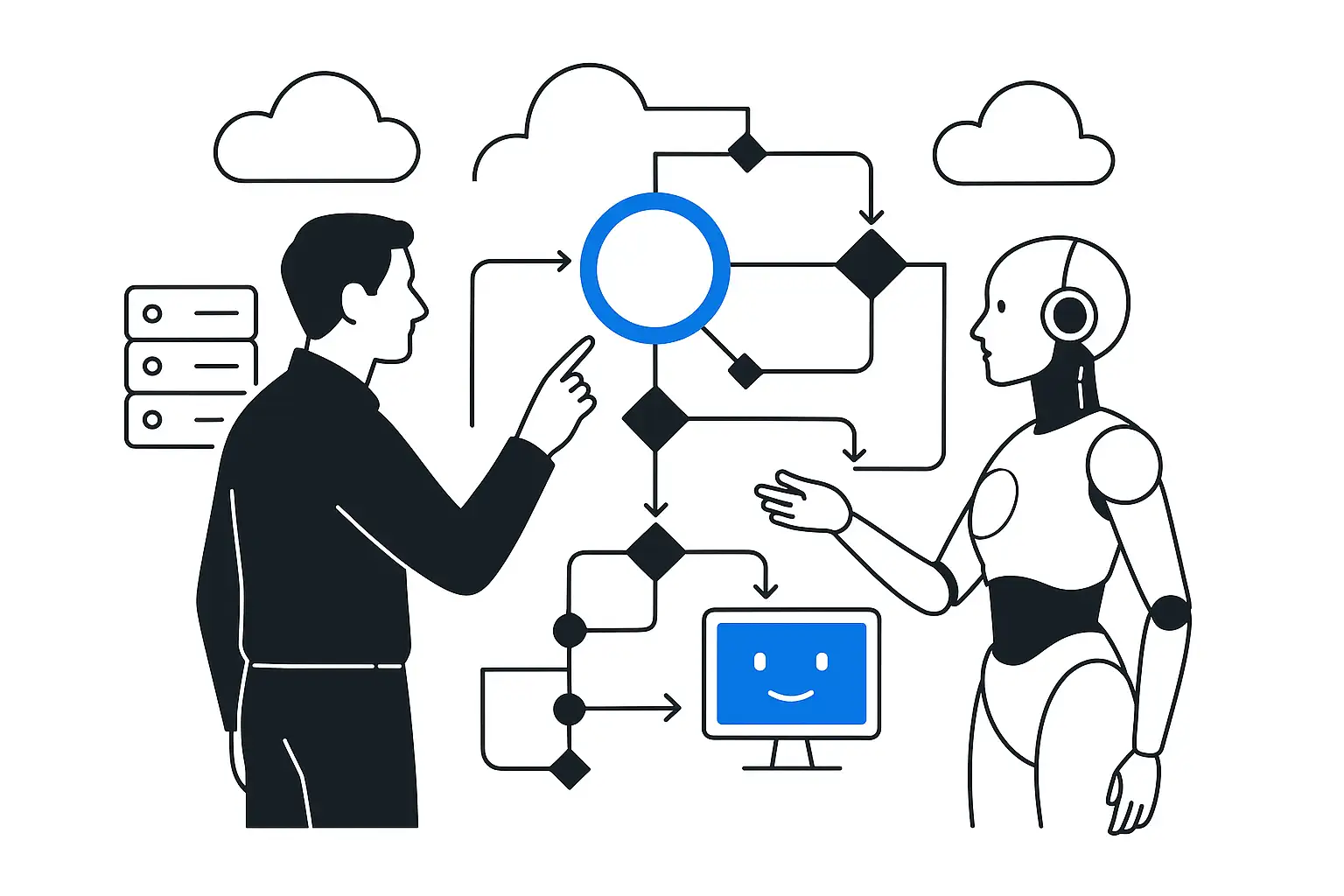
Model capabilities and limitations
What modern models can do, where they make mistakes, which tasks can be delegated, and where the decision remains with a human.
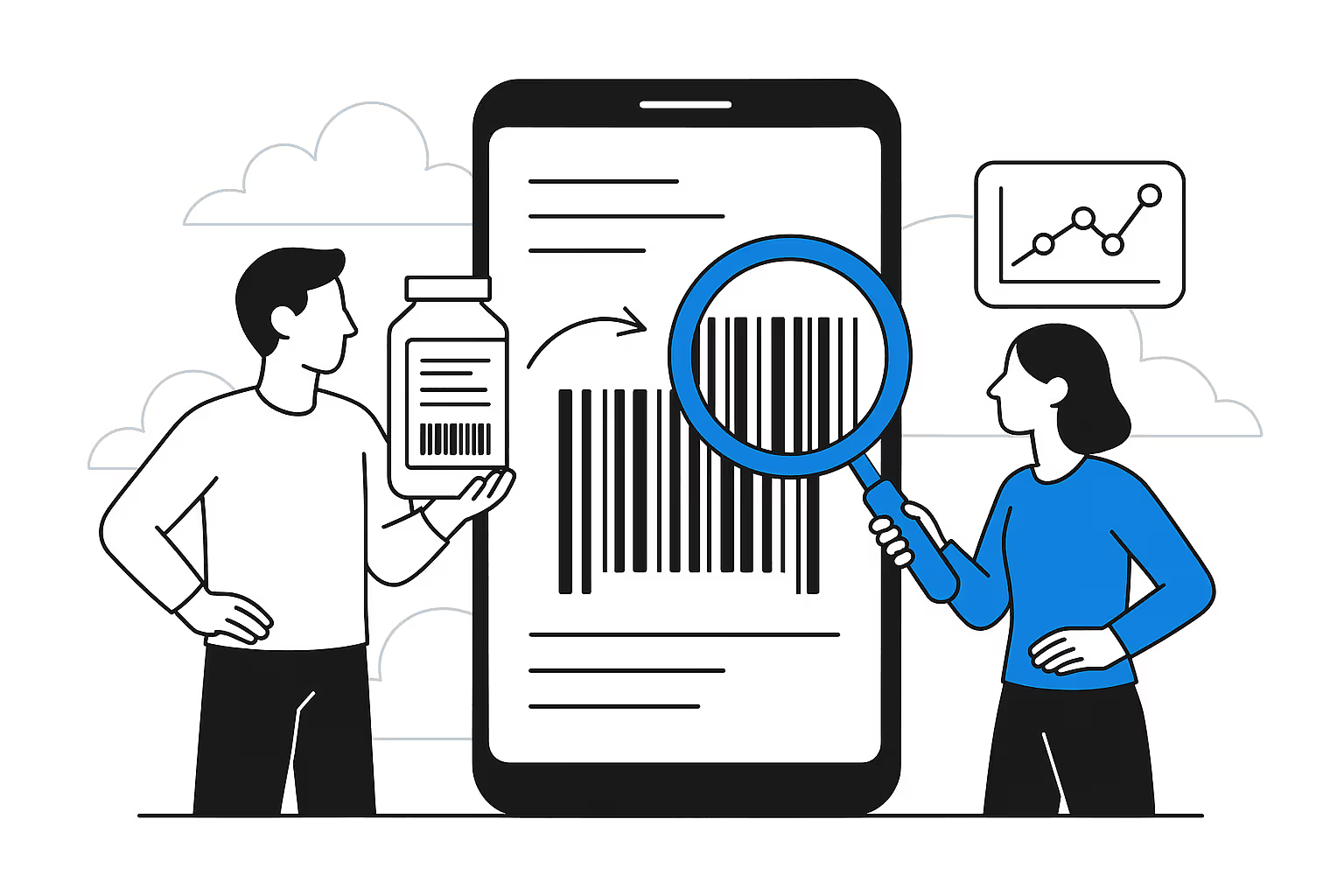
Task definition
Context, source materials, success criteria, workflow, and ways to verify the response.
Leader's work
Documents, research, meetings, analytics, communications, and project control through practical examples.
From request to agent
Sources, instructions, tools, access rights, human oversight, and saving the result in the working system.
Company scenarios
The number of processes and depth of prototyping depend on the selected program format.
Safe use
Data masking and anonymization, handling confidential information, logging, and agent publication rules.
Practical use cases
The case mix is tailored to participants' roles. For hands-on work, we choose tasks where a leader can quickly verify the quality of the result.
Turns a transcript into decisions, tasks, owners, deadlines, and an email to participants.
Collects status updates, compares plan versus actuals, and highlights deviations requiring a leader's decision.
Finds unpaid invoices, checks contract terms, and prepares reminders without manual reconciliation.
Checks the contract, calculation, and payment details, then prepares invoice and completion certificate drafts.
Recognizes the document type, applies accounting rules, and routes ambiguous cases to a specialist.
Routes operations across legal entities, accounts, and 1C databases without mixing data.
Collects data, removes duplicates, creates a comparable report, and preserves links to the sources.
KT.Team experience
Delivered a program on applying AI in technical support and agent development. The team explored enterprise agent architecture, knowledge bases, tool integration, quality control, and escalation of complex cases to a specialist.
The company name is not disclosed under the confidentiality terms.
Formats
Choose the level of engagement: from a two-day workshop to launching your own agent lab.
$3,600
The team learns to use AI and designs solutions for its own tasks.
2 three-hour sessions
Recommended
$5,400
Participants build their first prototypes and a portfolio of scenarios for future implementation.
3 three-hour sessions
$7,200
Training and a limited pilot environment for creating and testing agents.
4 three-hour sessions
How we get started: 30 minutes to clarify objectives → participant questionnaire → program and fixed estimate → start upon approval.
Advanced format · $7,200
In the advanced format, we prepare a portable pilot configuration within 2–4 weeks. The team creates agents, connects approved knowledge, and tests use cases in a shared environment.
Instructions, workflows, and tools are brought together in one interface.
Agents can be connected to an approved document database with access rules configured.
We confirm model connectivity after a technical review of the selected platform and infrastructure.
Roles, run history, errors, and confirmation of significant actions remain visible.
We choose the platform after reviewing its license, infrastructure, information security requirements, and available connectors. One candidate is openJiuwen Agent Studio, with visual agent building and process orchestration.
openJiuwen project on GitHub →A controlled path for a corporate agent
Participant
Platform
Control
Work
Pilot boundary. The price includes a preparatory technical sprint, a portable pilot configuration, deployment instructions, and one week of consulting support after handover. Deployment can take place in the customer's approved infrastructure; servers, models, integrations with 1C, CRM, ERP, and internal APIs, production-grade resilience, and operations are priced separately.
Experts
For the executive workshop, we involve experts in business processes and AI applications. The platform program includes an analyst and a technical lead.
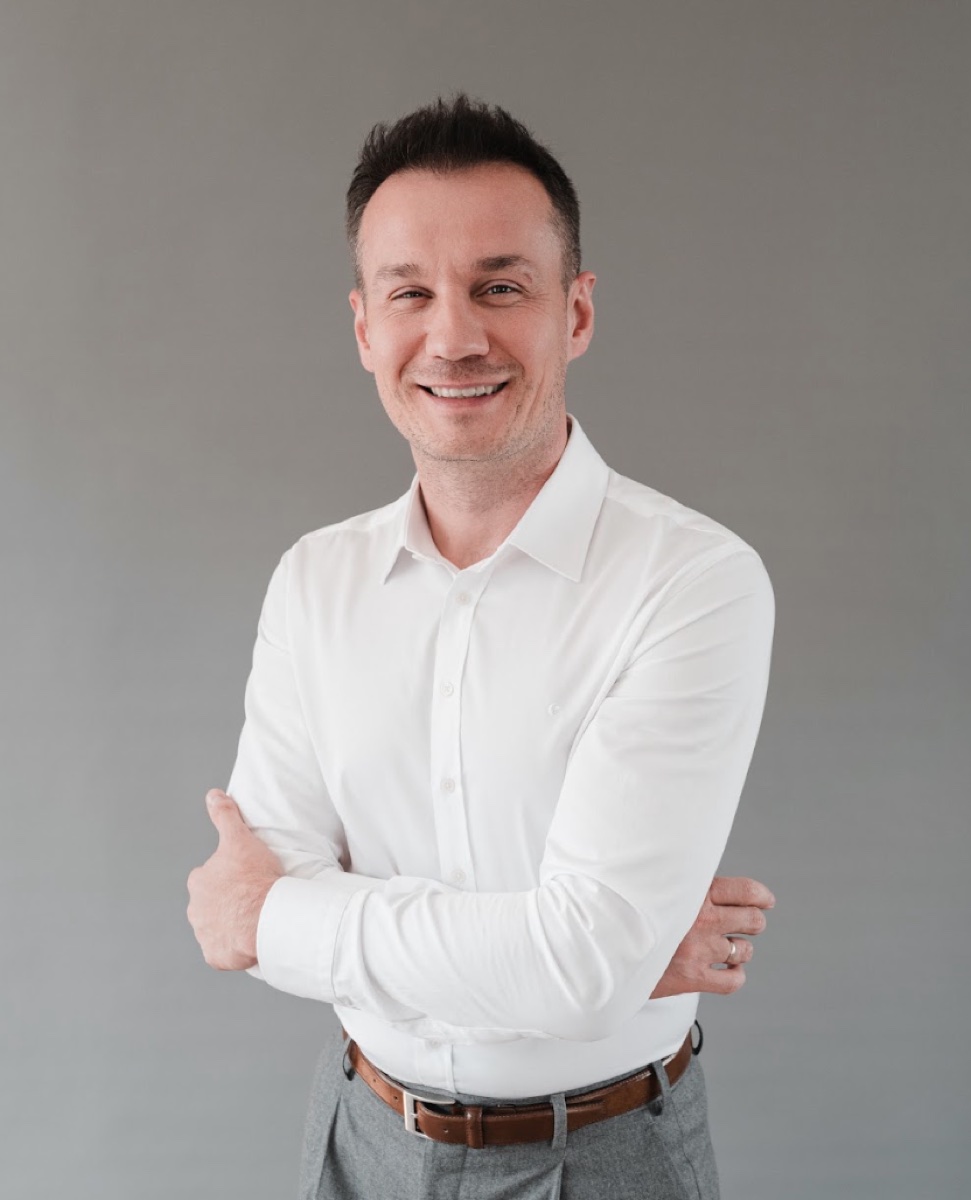
CEO of KT.Team
AI-native system architecture, technology change management, and connecting AI to business outcomes.

Client Portfolio Manager
Process analysis, hands-on facilitation, and development of the company's AI initiative portfolio.

Lead AI Analyst
Designing agent use cases and requirements for knowledge, rules, and quality criteria.
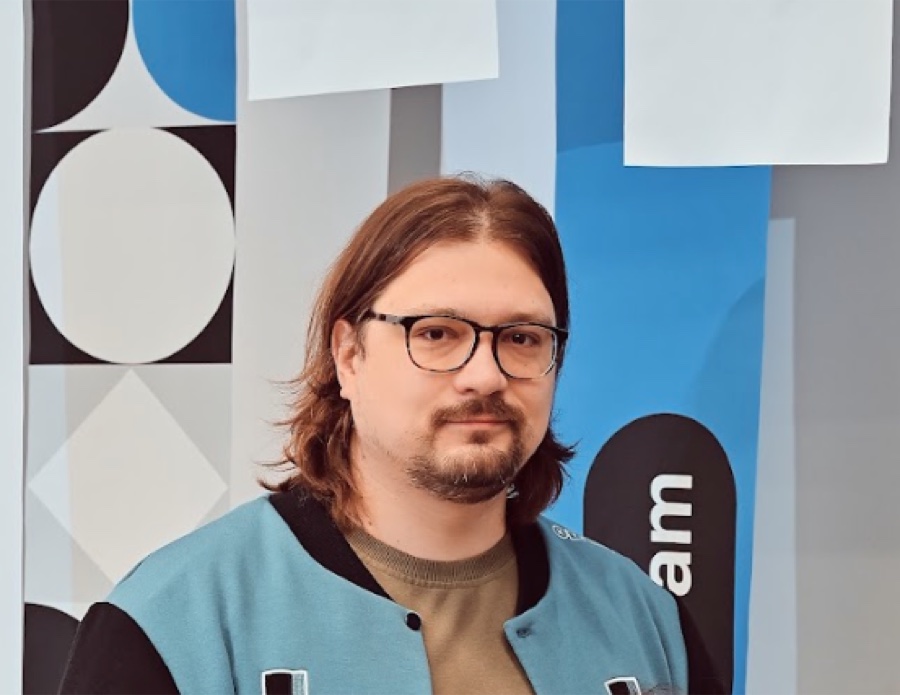
Technical lead
Agent solution architecture, integrations, access management, and the transition from prototype to a production environment.
Terms
Outcome
FAQ
No. The standard program is designed for executives. For technical teams, we adjust the depth and practical content.
Yes. If needed, the program can be built entirely around Claude. We demonstrate other tools only with approval.
Yes, after agreeing on the rules. We use anonymization, masking, and training copies; the mode depends on the selected infrastructure.
Briefly describe the recurring task, materials used, desired result, and data restrictions.
The package includes a pilot environment for training and testing use cases. Production integrations, load, SLA, and special information security requirements are designed separately.
More
 Mission 01
How to stop drowning in legacy and start delivering value faster.
 Mission 02
From "AI as a chatbot" to "AI as an engineering accelerator" — integrating AI into the TTU methodology.
 Mission 03
From zero to a digital worker in 2 hours — self-hosted, multichannel, zero routine.
Let's learn
First we solve the practical task, then we show how it was assembled so the team can repeat the approach safely and independently.