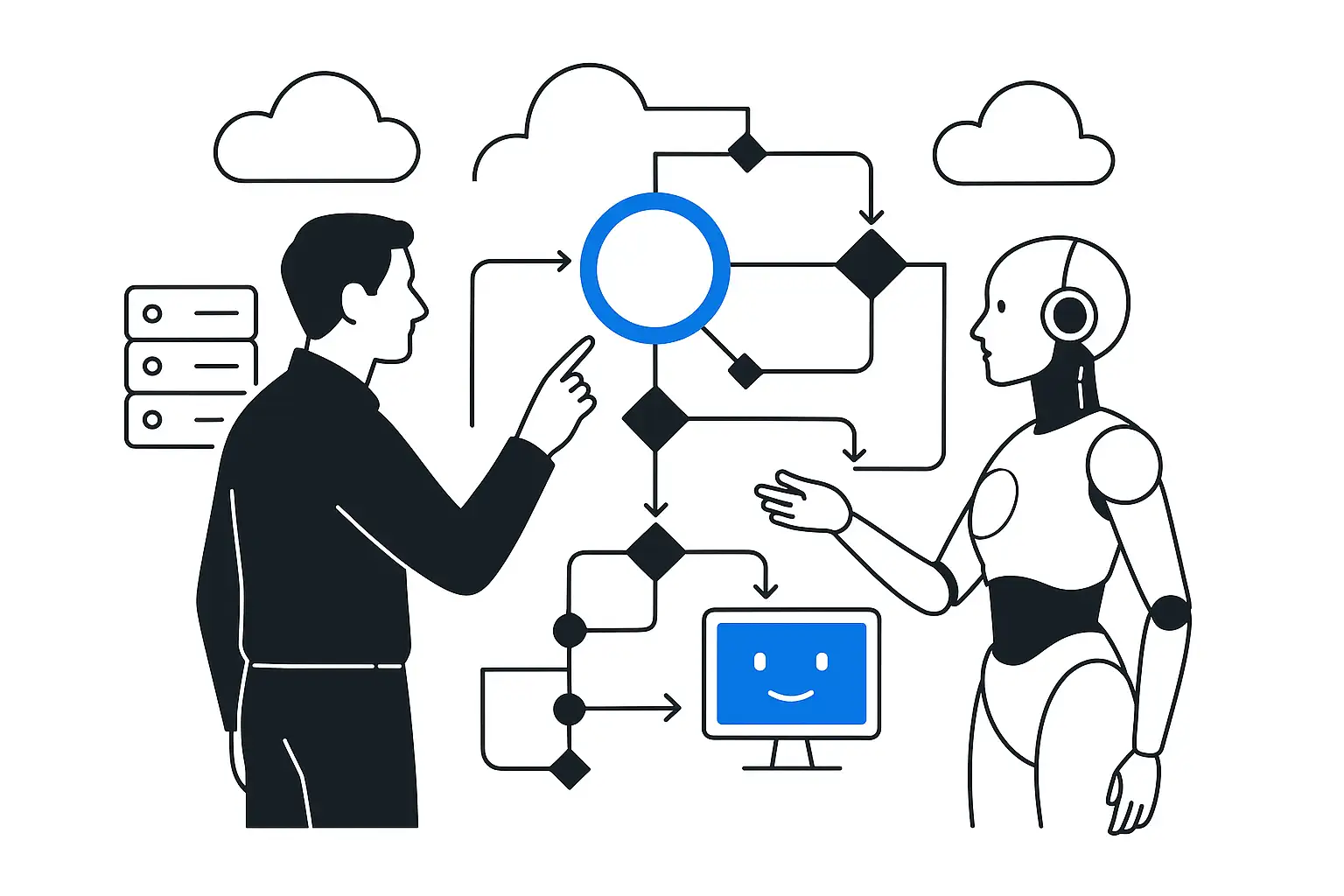
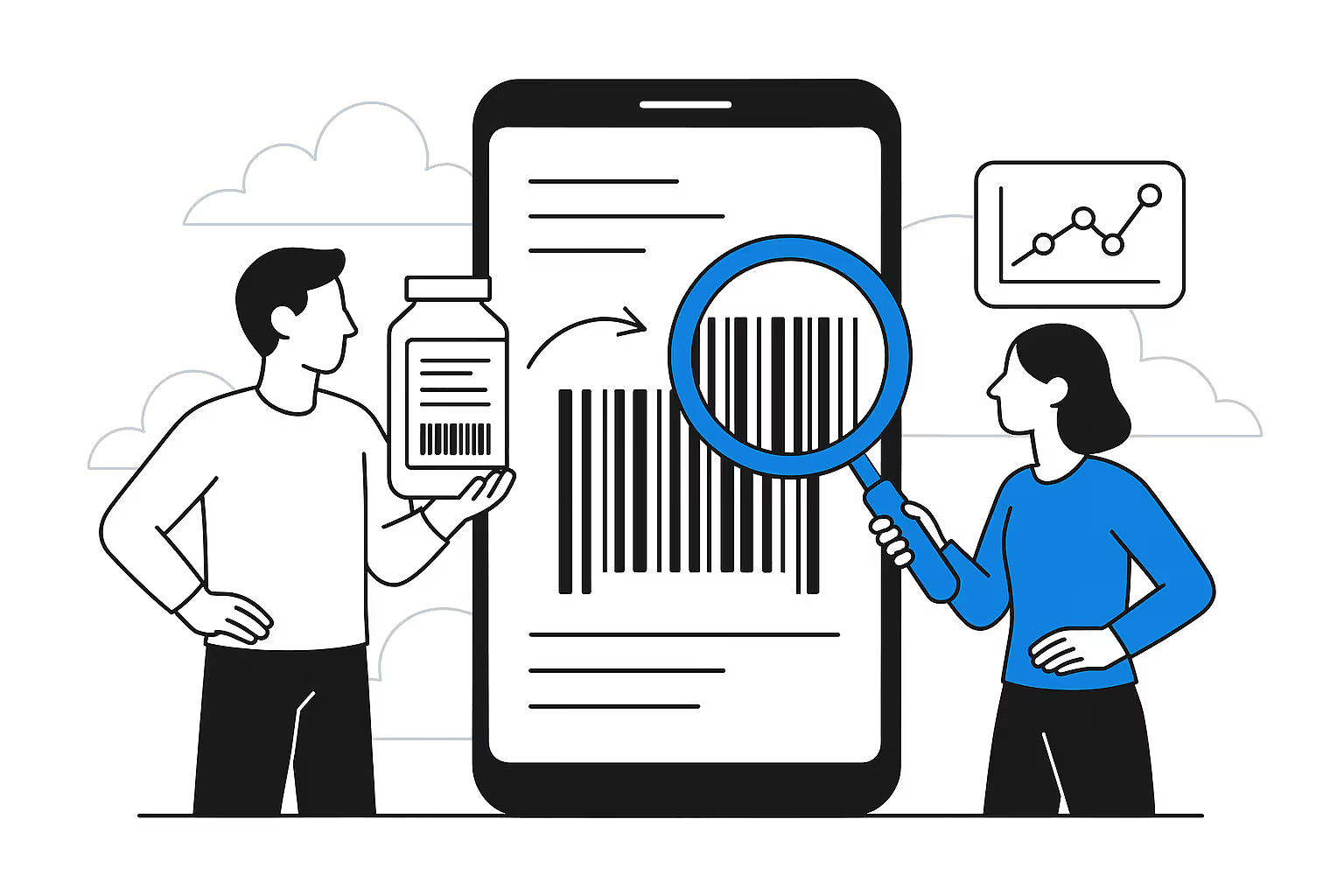
Analyze the company strategy: which business processes need automation and where AI can deliver the greatest return. Conduct interviews and surveys among employees to determine current digital skill levels and training expectations. Consider regulatory requirements: in many industries, the use of AI involves data security and ethics issues.
Step 2. Defining goals and KPIs
Set clear goals: reduce task processing time, increase NPS, boost sales, or improve service quality. Define quantitative metrics (for example, a 30% reduction in onboarding time or 20% time savings on routine operations). Introduce intermediate indicators: number of completed modules, engagement level, and number of AI cases created. Step 3.
Choosing AI tools and platforms Decide which tools you need: text generation (ChatGPT), image work (Midjourney), data analysis (Power BI, AutoML), and virtual simulators. If the project involves sensitive data, prefer local or private models to avoid leaks.
Step 4. Developing the training program
Break the program into modules: AI and machine learning basics, prompt engineering, and practical industry cases. Use a mix of formats: short video lectures, interactive simulations, and master classes from internal experts. Add sections on the ethics and risks of using AI. Discuss misuse cases and ways to prevent prompt injection attacks.
Step 5. Preparing training materials
Create guides and checklists: how to write prompts for ChatGPT, how to analyze model outputs. Include real company data (anonymized) so employees can see practical value. Document clear information security and confidentiality instructions for working with AI.
Step 6. Running pilot training
Choose a small group, such as sales or a call center, and test the program. Gather feedback: what is clear, what is difficult, and which tools cause problems. Measure the results: productivity gains, shorter training time, and the number of new AI ideas.
Step 7. Scaling to the entire workforce
After revising the materials, roll out training across the organization, taking into account the schedules and workload of different departments. Use a blended format: online modules for theory, in-person workshops for complex tasks and strategic discussions. Motivate employees by adding gamification elements. Step 8. Integrating AI into work processes After training, provide direct access to AI tools in work applications (CRM, ERP, email) - the concept of learning in the flow of work.
Implement a checklist before launching any AI solution: security review, bias testing, and data auditing.
Step 9. Evaluating effectiveness and adjusting the program
Measure training ROI by tracking changes in performance, service quality, turnover, and motivation. Use AI analytics: platforms can automatically collect course completion data and provide improvement recommendations. Adjust the program based on the data: add new modules, remove ineffective ones, and introduce additional cases.
Step 10. Support and continuous development
Build a microlearning system: short on-demand lessons, pop-up tips, and mobile apps for reviewing materials. Introduce AI coaches: virtual assistants can answer employee questions 24/7 and adapt to their learning style. Foster a culture of continuous learning: hold hackathons, AI days, group discussions, and knowledge sharing.