
OSNO-VA: AI accountant
- Built an AI platform

Learn how AI fills product attributes from images and manufacturer sites, validates dictionaries, and flags uncertain values for human review.
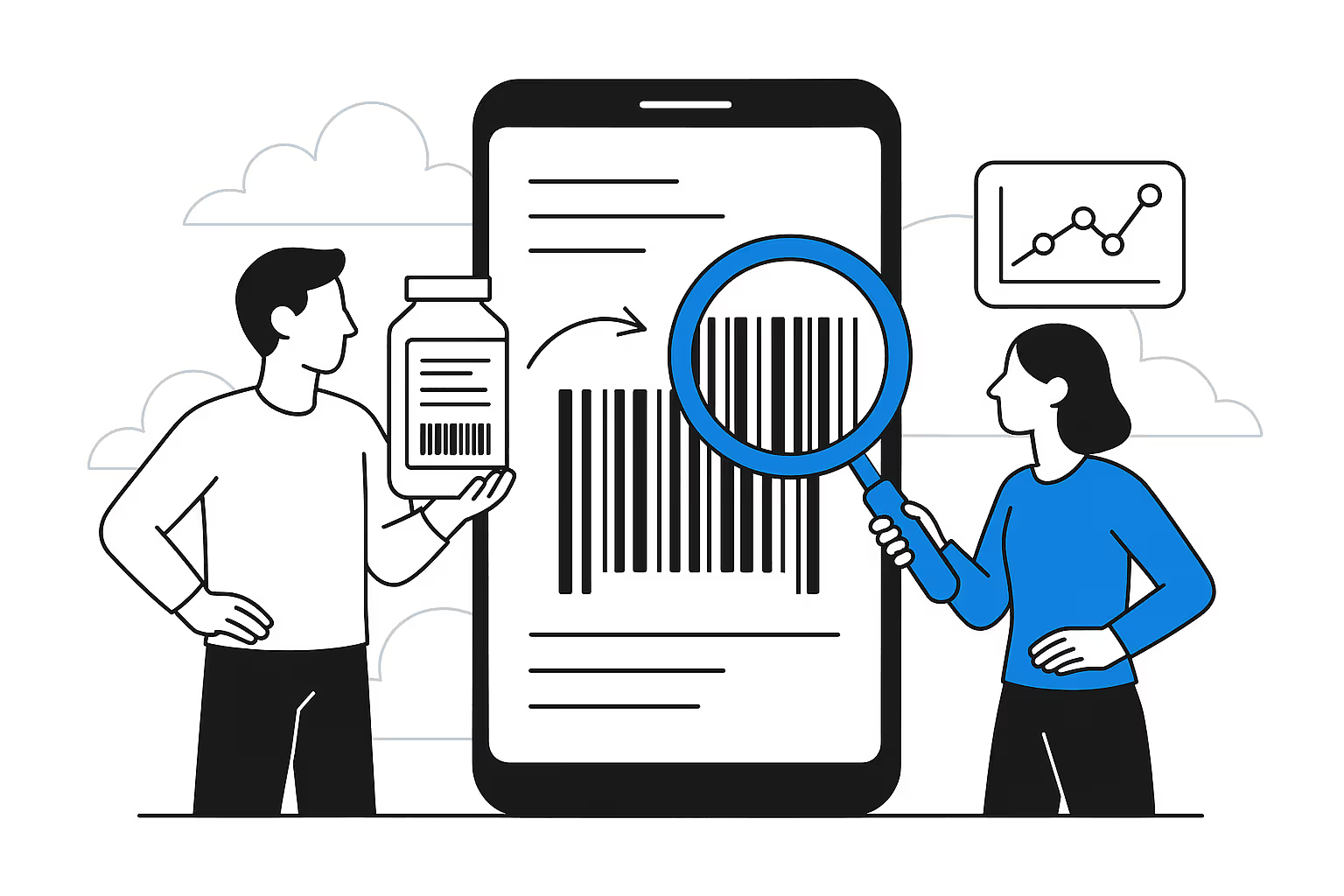
Product data comes from price lists, ERP, manufacturer websites, PDFs, packaging photos, and old descriptions. One source has dimensions but no material. Another lists a commercial color absent from the dictionary. A marking is visible in the photo, but the description is empty.
A person can connect these fragments, but in a large catalog, manual searching becomes a separate production process. AI can prepare suggestions if an allowed source, dictionary, and control point are defined in advance for each data type.
Agent checked
The color is confirmed by the image and source. The material cannot be reliably determined from appearance, so the field is left blank.
Suggested action
Accept the color, adjust the value, or reject it with a reason
After confirmation: PIM: product card · draft pending an employee's decision
Trace: card + images + source + category schema + decision history
Name, brand, SKU, description, current attributes, category, and up to three images.
Search by brand and SKU, prioritizing the manufacturer's website and documentation.
The found value is mapped to an allowed field and the category dictionary.
The agent saves the link, visible attribute, and confidence level, or reports insufficient data.
The employee accepts, corrects, or rejects the suggestion; the action is recorded in the log.
| Status | What the system shows | Next action |
|---|---|---|
| Confidence 0.9 or higher | Source and ready value | Quick check |
| Confidence 0.7–0.89 | Evidence and warning | Employee attention |
| Below 0.7 | Insufficient data | Do not use as a value |
| New dictionary value | Value is not in the dictionary | Data model owner's decision |
| Source conflict | Both options and links | Manual selection or clarification |
Each value retains its provenance and is applied separately
Product card
Sources
AI agent
Control
Recording
The agent can be shown several previously accepted and rejected examples from the same category. They help determine which sources are sufficient, how names are normalized, and when a field is considered not applicable.
However, examples do not replace the schema or constitute automatic model retraining. If an employee accepts an incorrect value once, it must not become a permanent rule. Priority remains with the formal data model, verifiable sources, and the person's current decision.
Product data quality
1 sample
We will document the schema and sources, collect a control sample, configure the review interface, and compare accepted values with the original process.
FAQ
The agent may suggest visible attributes, but must not determine hidden technical properties without labeling or an external source.
Prioritize the manufacturer's official website and documentation, followed by official and major dealers. Marketplaces are unsuitable for verifying technical specifications.
The agent creates a separate proposal, while the data model owner decides whether to expand the dictionary.
Only after a pilot, and only for a limited class of suggestions with a verifiable source, an allowed value, and a high confidence level.