Take a company with annual revenue of several billion rubles
It has 1C with ten years of customizations, an industry-specific accounting system from the 2000s, online banking, supplier portals, and a procurement portal.

Copilot clicks through desktop apps without APIs. We examine where computer use speeds up legacy automation and where integration is cheaper.
On October 1, GitHub opened computer use in Copilot in public preview.
The agent in Copilot CLI and the Copilot app for macOS and Windows works with desktop application windows on its own.
Many companies run half of their processes in software without APIs.
They now have a tool for automating this type of software, and it is already installed on the developers’ machines.
A clicking agent is useful as a scout and as a temporary bridge.
A proper interface—an API, bus, or MCP server—should handle ongoing workloads. A company that confuses these roles will pay more for automation than it paid for manual work.
According to GitHub, Copilot reads the application’s available content and the screen’s visual context.
It clicks controls, enters and edits text, presses keys, scrolls, drags, and runs a workflow through several applications in sequence. In GitHub’s example, the agent fills out an expense report.
GitHub names the target use cases directly: legacy and GUI-only software with no API, command line, or MCP integration.
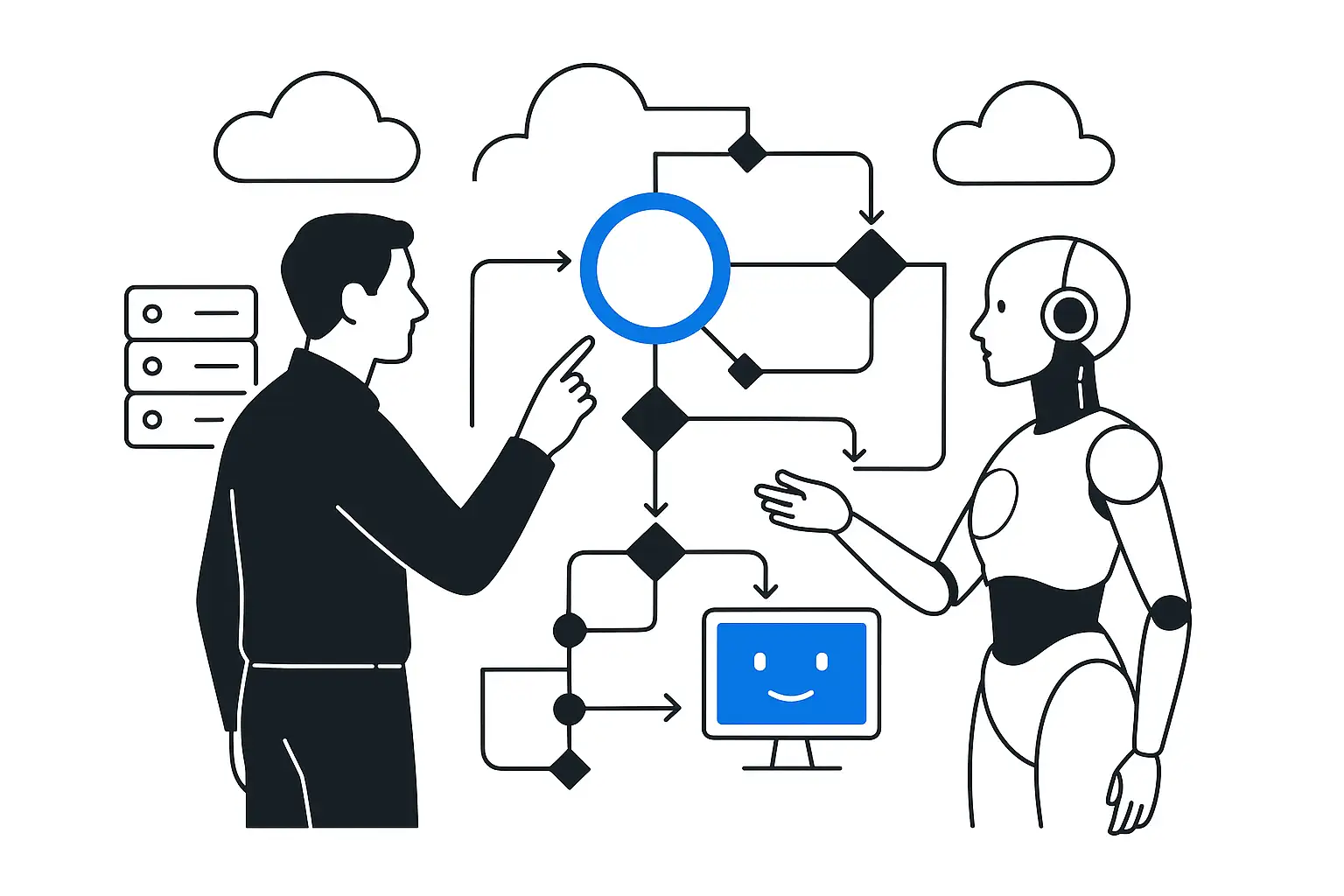
Agents of this class typically receive two sources of data. The first is a screenshot.
The second is the accessibility tree: the structure of interface elements that the operating system provides to screen readers for blind users.
Based on this data, the model chooses the next action, performs it, receives a new screenshot, and repeats the cycle until the task is complete.
Each step in the workflow requires a separate model call.
It has 1C with ten years of customizations, an industry-specific accounting system from the 2000s, online banking, supplier portals, and a procurement portal.
Employees transfer data between them:
Integrating a single pair of systems through an API takes weeks, so the IT department postpones it for years.
RPA vendors promised to close this gap back in the late 2010s.
Traditional robots often relied on click coordinates and broke when a developer moved a button by twenty pixels.
An agent with computer use understands elements by their meaning: the field label, the button's role, and the text in the window.
Our hypothesis is that agents like these will withstand minor interface changes better than traditional robots.
It will have to be tested on your own processes because GitHub has not yet published reliability statistics.
Demos do not show three categories of cost. Speed and cost.
An API call completes in milliseconds.
A computer use step includes sending a screenshot to the model, reasoning, and taking an action, and takes seconds.
A forty-step workflow means forty model calls with images.
The cost is barely noticeable for ten documents a day, but at ten thousand it becomes a separate budget line. Nondeterminism.
In accounting and inventory management, every operation will therefore have to be reconciled with the final data. Security.
The agent operates with the user's permissions and sees the entire screen: conversations, customers' personal data, and account details.
This data is sent to the model together with the screenshot.
In AI-native integration projects, we assign the clicking agent three roles, each with its own service life. Exploration.
The agent runs through a real process in the legacy system, giving us a recorded path: which screens and fields are involved, where validation is triggered, and where employees typically make mistakes.
This documentation was never written over ten years; the agent compiles it in a day. Bridge.
While engineers build the integration, the agent runs the process through the interface. The business gets results within days.
That is TTU: time to first value. Replacement.
In parallel, we build a reliable integration layer: HTTP services or OData in 1C, data exchange through Datareon or Apache Kafka, with an MCP server on top.
After that, the same agent calls the `create_expense_report` tool with a single request in a fraction of a second and gets a predictable result.
Clicks remain suitable for rare operations where integration would not pay off.
We route the agent’s traffic to models through the LLM & Security Gateway.
The gateway masks personal data before transmission, logs actions, and prevents the agent from accessing systems outside the approved list.
Without such controls, the security team of a company that stores customers' personal data is unlikely to approve computer use.
Three weeks before computer use, on September 10, GitHub released REST API for AI Scan in a pull request.
Teams use it to enable AI code security checks at the organization and repository levels, without manually configuring every repository. The GitHub Universe 2026 program includes a session on verifying that agent-generated code works. GitHub is building a control layer alongside its agents.
The same rule applies to computer use.
We do not consider the agent’s report of completed work to be proof.
We verify the result against the accounting system: the document was created, the amount matches, and the status changed.
You write this verification once through an API, and it then checks every run.
Computer use removes the excuse: “This system has no API, so it cannot be automated.”
The company’s first processes in legacy software will be automated within days.
I consider it a mistake to run a daily flow of operations through clicks: it is slow, expensive, and difficult to verify.
The practical sequence is as follows: the agent clicks through the process to explore it and deliver a quick result, while engineers build an integration that will take over this workload permanently.
GitHub Changelog, “GitHub Copilot can now interact with desktop apps with computer use,” October 1, 2026: https://github.blog/changelog/2026-10-01-github-copilot-can-now-interact-with-desktop-apps