Sources
chats, email, Drive, Plaud, Jira, Git, 1C, banks

AI Products
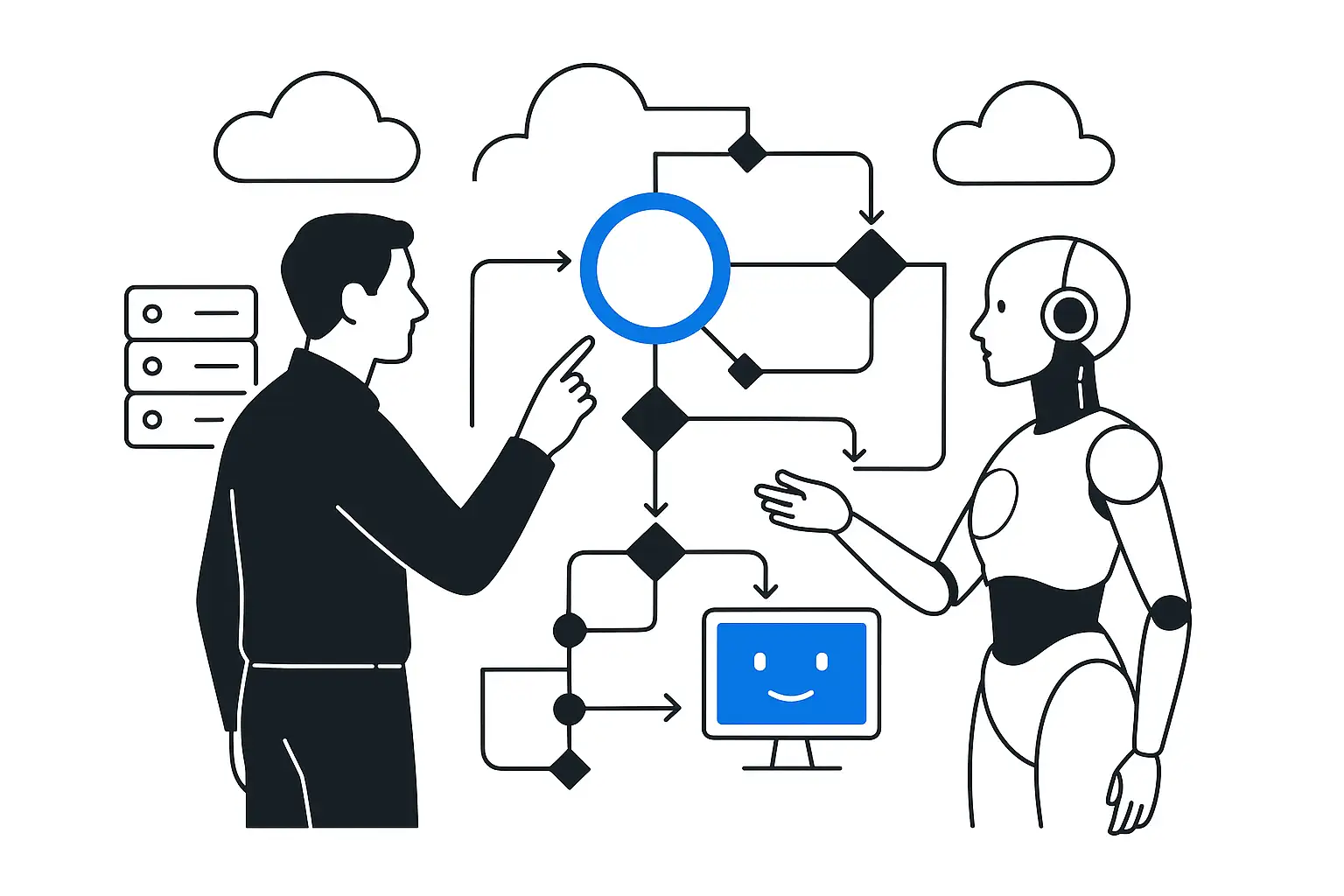
Sloy gathers conversations, meetings, files, tasks, Git and finance into corporate memory and turns heavy documents into a lightweight AI representation.
Our clients













Sloy makes the company accessible to AI agents: the work trail from chats, meetings, documents, tasks, code and finance turns into verifiable memory across projects, people and decisions.
The company becomes accessible to agents
chats, email, Drive, Plaud, Jira, Git, 1C, banks
projects, clients, employees, decisions, monthly summaries
shared vocabulary: Epic, L30, TTU, MARGIN, IPR
P&L, cash flow, cash flow budget, plan-vs-actual, margin, payments
understand the context, ask questions, prepare actions
reply to the client, control, posting, escalation, decision
Corporate Memory
Google Docs, CRM, task trackers, email and conversations keep living where they're convenient for people. Sloy captures the work trail and links it to projects, clients, employees and decisions.
READMEs, short markdown files, change history, monthly summaries and links to sources are stored in the corporate GIT. Such context is easy for an agent to read and for a human to verify.
Google Docs, Sheets, PDFs, presentations and transcripts are stored as sources. The agent reads a lightweight version and returns to the original to verify a disputed fragment.
Knowledge no longer stays in employees' private chats and is not lost when people change. The company sees what happened, who made the decision and on which facts it was based.
Wiki instead of RAG
Sloy doesn't search for random chunks at answer time. The context is turned in advance into a connected set of short markdown representations.
Original documents, emails, meetings and tasks remain immutable sources of truth.
The agent first reads the project map, monthly summaries and relevant pages, so it sees the accumulated synthesis.
The answer relies on verifiable pages and links to sources, while contradictions are recorded in the project memory.
A question instantly assembles the context
What's the status of project A?
The agent gathers the latest decisions, risks, open questions, owners and the next step.
Where did the client approve this?
The answer includes the email, message, meeting, document or task where the confirmation appeared.
Where did the margin drop?
Sloy compares plan vs. actual, revenue, labor costs, expenses and agreements.
What happened over the month?
The system gathers completed work, disputed points, assignments and the money dynamics.
Sloy connects work traces where they already live. All data for each project is stored in the corporate GIT, and external repositories can be connected to the project. Access is granted on behalf of a user or organization—there is no need to add a bot to every chat.
Groups, channels, direct work chats, and client conversations. Context is linked to projects and people.
Incoming emails, attachments, approval chains, client emails, and internal decisions.
Folders, meeting transcripts, documents, spreadsheets, and audio notes. Every document gets a lightweight AI representation.
Deals, tasks, statuses, comments, SLAs, and implementation history. New connectors can be added quickly.
Management accounting, 1C, spreadsheets, financial reports, and external financial sources for questions about project performance.
Project memory in the corporate GIT: sources, summaries, decisions, and links. External repositories connect as separate sources.
Each employee has their own workspace: role, meetings, workload, feedback, development, and overload risks.
If a system provides data through an API, export, or webhook, we connect it as a new context source.
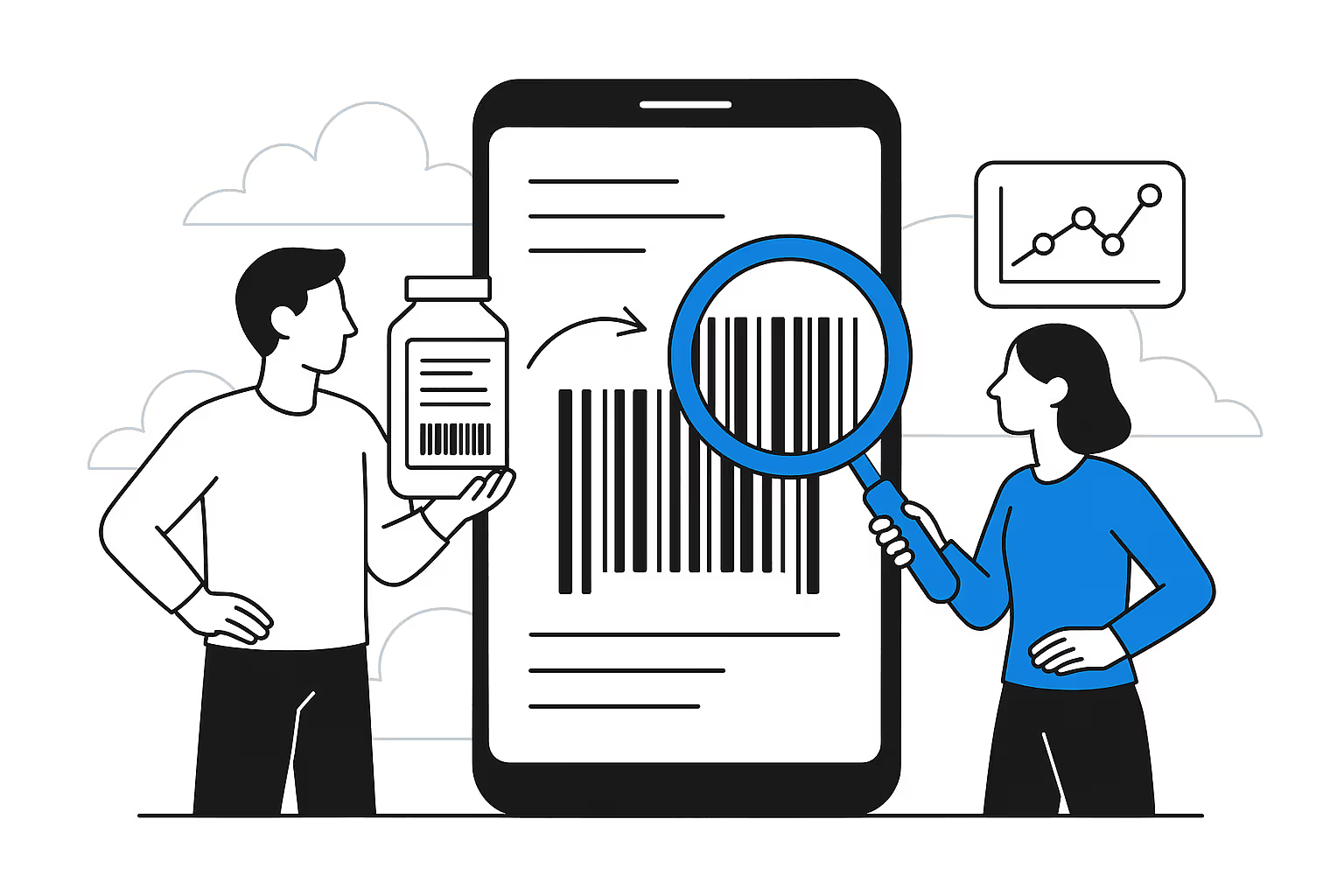
Each document is stored in two forms: the original as the source of truth and a lightweight representation for agents to read. The lightweight version contains structure, decisions, tables, entities, dates, people, finances, risks, and links to the original.
Headings, decisions, agreements, open questions, and links to exact locations instead of rereading the entire document.
Sheets, ranges, key metrics, formulas, and conclusions—with context beyond blank cells and formatting.
Documents are broken down into semantic blocks, tables, captioned images, and citable facts.
The transcript is condensed into decisions, action items, risks, participants, and links to a project or employee.
Portfolio radar: where tension is rising, where upsells are possible, and which problems recur across clients. For example: “Which project has the most strained client relationship?” Sloy compares message tone, response delays, complaints, cancelled meetings, postponed payments, and unresolved promises.
The agent finds clients where trust already exists, requests recur beyond the contract, processes are only partly automated, volume is growing, and there is a clear financial opportunity to expand.
Sloy groups complaints and signals by topic: response speed, status quality, documents, waiting for decisions, unclear invoices, and stalled approvals.
For a project manager, developer, or accountant, the agent gathers only what matters: decisions, risks, schedule changes, agreements, escalations, payments, blockers, and who needs a response.
Risks, upsell potential, recurring problems, and projects requiring management attention.
Decisions, promises, client sentiment, deadlines, and financial context without manually collecting status updates.
Knowledge transfer, return from leave, and understanding what changed—without recapping everything in chats.
In one day, we connect one real environment: a project, client, folder, Telegram group, email, Drive, Plaud, or another source. The pilot shows how a fragmented work trail becomes corporate memory and how an agent gets context without manual retelling.
In the cloud Sloy validates value quickly: connect the first sources and see how work context becomes memory. Within your environment Sloy runs on the customer's servers—for companies that need to keep conversations, files, meetings, Git context, finances, and MCP access within their own infrastructure.
The article explains how the llm-wiki approach differs from RAG, knowledge graphs, and fine-tuning. "How to Give an LLM Your Knowledge". If you need a traditional document-search knowledge base, start with the page RAG.
An email, Plaud recording, Drive file, or chat enters the shared intake context.
The LLM reviews the text, participants, links, folder, and history of similar sources, then suggests a project.
When in doubt, Sloy asks the folder, client, business area, or employee owner.
Similar future emails, files, and meetings are routed automatically without manual sorting.
Structure, facts, tables, decisions, and links to the original source.
For every transport operation and project: finances, decisions, risks, and open questions.
The agent reads the relevant monthly and project memory. Raw sources are available when clarification is needed.
"What is the status of Project N?" opens the project, retrieves its sources, and builds the first layer of memory.
For HR, mentoring, and audits, each employee is managed as a separate project type.
Accounting is just one use case. The same layer is needed by service companies, implementers, lawyers, consultants, support, sales, HR, and internal teams. Each project's context lives in the corporate GIT and is available through MCP—read by Codex, Claude, Cursor, Openclaw, Hermes, and other agents without vendor lock-in.
A client asks for a status update in Telegram. The agent sees Jira, emails, meetings, and agreements, then prepares a response without asking the manager.
Meetings, tasks, correspondence, and lightweight document versions are assembled into a project. You can see where decisions are stuck and who needs to respond.
"What is the financial trend?" reads management reports, 1C, spreadsheets, and monthly summaries—not the entire message archive.
The document, client email, manager's comment, and accounting entry are linked into one context for review and month-end closing.
The employee as a project: workload, meetings, feedback, conflicts, growth, and early signs of overload.
Request history, SLAs, emails, chats, and tasks give the agent context for responses and escalations.
Bitrix24, Gmail, meetings, and chats show what was promised to the client, who makes the decision, and what the next step is.
Sloy provides text for the agent environment: the user opens an empty folder, pastes a prompt, and the agent registers MCP access to the required project.
| Without Sloy | With Sloy | |
|---|---|---|
| What the agent sees | Only the current chat: every new agent asks again for an explanation of the client, project, and decision history. | Project memory in the corporate Git: sources, monthly summaries, decisions, finances, meetings, and lightweight document versions. |
| Sources | Scattered across chats, folders, CRM, email, tasks, and people’s heads | Connected and linked to projects |
| Project | Reconstructed manually | Routes itself |
| AI agent | Reads the current chat | Works with project memory |
FAQ
A layer of corporate memory: fragmented work traces—conversations, meetings, documents, tasks, and decisions—are linked to projects and clients so an AI agent can answer from them without manual recaps.
A drive stores files, and a messenger stores messages. Neither answers the question, "What did we decide about this client, and why?" Sloy links the trail to business entities, so the decision is found together with its context.
Access is configured by source and project; the agent reads what a person in its role is authorized to read. The connection starts with one real project or folder, not the entire company environment.
An agent processing documents must know the client's context: agreements, specific details, and past exceptions. Sloy provides this context, while AI accountant does the accounting work itself.