Latency Kills AI Automation Before the Budget

Demand for AI automation engineers is rising, but production workflows stall on chains of LLM calls. Explore three patterns that speed pipelines.

  • Demand is outpacing engineering
  • Where the “simple” workflow breaks down
  • Three patterns that actually work
  • What it looks like when done properly

Demand is outpacing engineering

  1. The n8n forum currently features both a remote AI automation engineer job posting and an analysis of AI workflow latency from the n8n team.

  2. The coincidence is not accidental: demand for AI automation is growing faster than the engineering culture needed to make it fast and reliable in production. A recruiting company from

  3. A company in the Netherlands is looking for a freelancer to build automations with n8n and Make: Meta advertising operations, LinkedIn and Indeed scraping for outreach, dashboards, and reporting. In a neighboring thread on the same forum, a freelancer wins a project because deterministic pipeline tests and error and retry handling outweigh a portfolio of dozens of bots.

  4. Companies are no longer impressed by flashy demos.

  5. They ask about testing, error handling, and retries after failures.

Where the “simple” workflow breaks down

  1. A single model call responds in a fraction of a second.

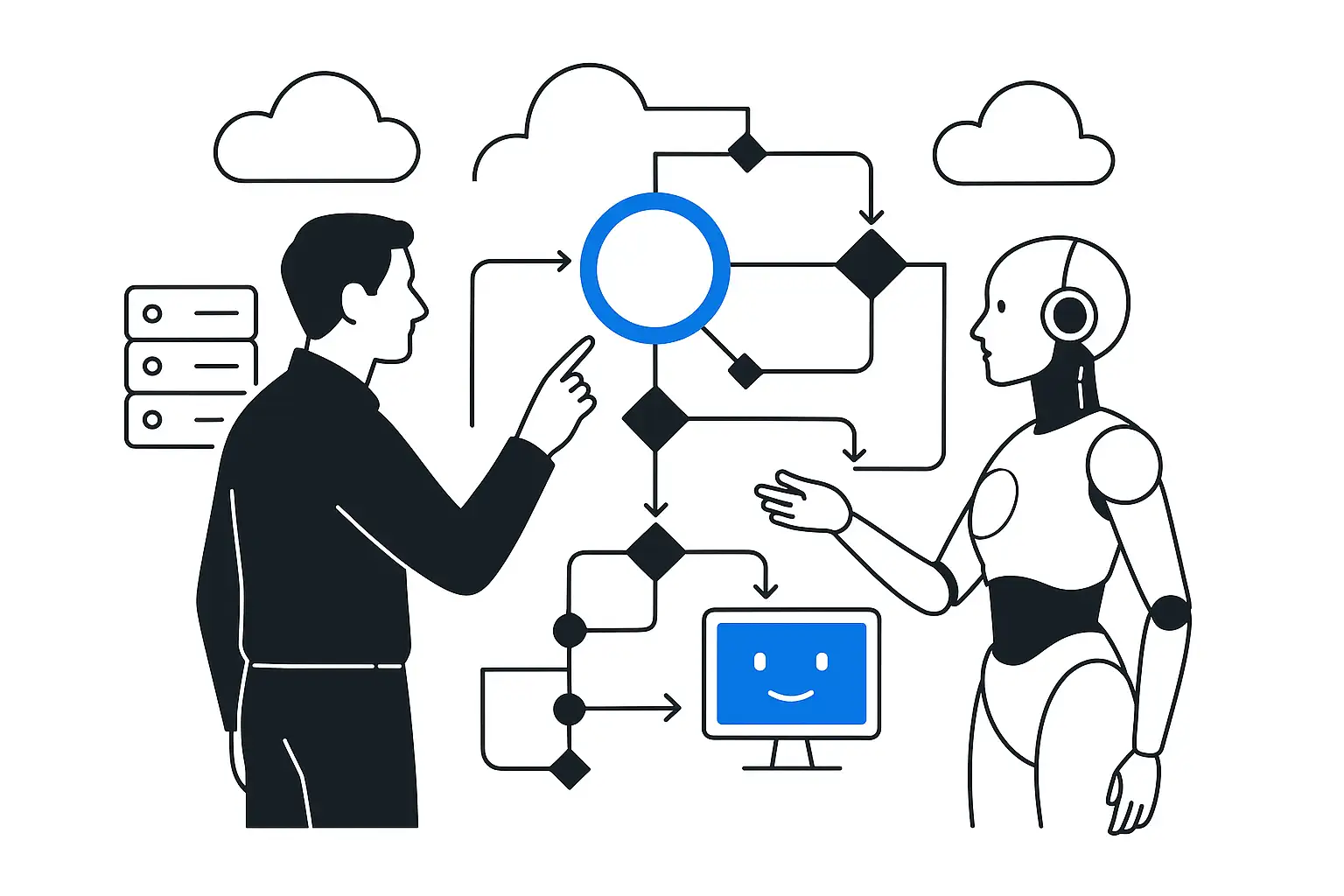
  2. A production AI workflow is a chain of calls: a webhook receives the request → the LLM classifies it → a second call retrieves context → a third generates the response → a fourth checks the tone. Each step waits for the previous one.

  3. The user receives a response in 8–12 seconds instead of 1–2.

  4. The cause is architectural: model calls wait for one another in a queue, even though some are independent and could run in parallel.

Three patterns that actually work

  1. - Parallel execution: steps without mutual dependencies—for example, sentiment analysis and context retrieval—run simultaneously; a platform like n8n manages this at the graph level, without manual coding. -

  2. A timeout for every model call: without one, a single stalled LLM node holds up the entire workflow and everyone waiting behind it. -

  3. Caching repeated requests: the same question does not go to the model again the second time, saving both time and tokens.

  4. The platform architecture and its surrounding process address all three patterns.

  5. A well-crafted prompt is powerless here.

Assess where AI can deliver impact in your process

What it looks like when done properly

  1. A revealing example from the same forum is a public n8n support project for a bookshop.

  2. A webhook receives the question, the text is normalized, and the request is split into text and non-text routes, followed by semantic search through Gemini Embeddings and pgvector in Supabase, confidence-based branching, a safe fallback for low confidence, interaction logging, and a separate pipeline that updates the knowledge base.

  3. Eight stages for a single support chatbot.

  4. Every stage is a point where a second can be lost or the logic can break.

  5. A simple result for the user requires substantial engineering from whoever built it.

What This Means for Business

A company hiring an automation engineer pays for time to value. The mere existence of a workflow does not matter to it. If the pipeline responds in 10 seconds instead of one, the product’s TTU (time to use) falls, and the metric that motivated the project—chat conversion or lead processing speed—does not improve. AI that increases time to value is processor-powered theater, even if every individual model call works correctly.

At KT.Team, the same principle supports every AI-native integration: the LLM Gateway between the application and the model centralizes timeouts, retries, and caching instead of scattering them manually across n8n nodes and Python code.

Conclusion

Demand for AI automation engineers is growing because businesses are willing to pay for automation. They pay for speed to results. Workflow architecture establishes that speed from day one. A latency patch after the first user complaint cannot create it; it only fixes what should have worked from the start.

Discuss the article: Latency Can Kill AI Automation…

Enter your email or phone number so we can get back to you.

Send via: