How two LOGI AI agents turn supplier price lists into a manageable product catalog

How LOGI automated supplier price-list processing and enriched product cards using descriptions, photos, and manufacturer websites.

  • Why a single universal agent is not suitable here
  • Two agents — two areas of responsibility
  • How an employee reviews a price list import
  • The import agent first understands the file, then suggests rules

Why a single universal agent is not suitable here

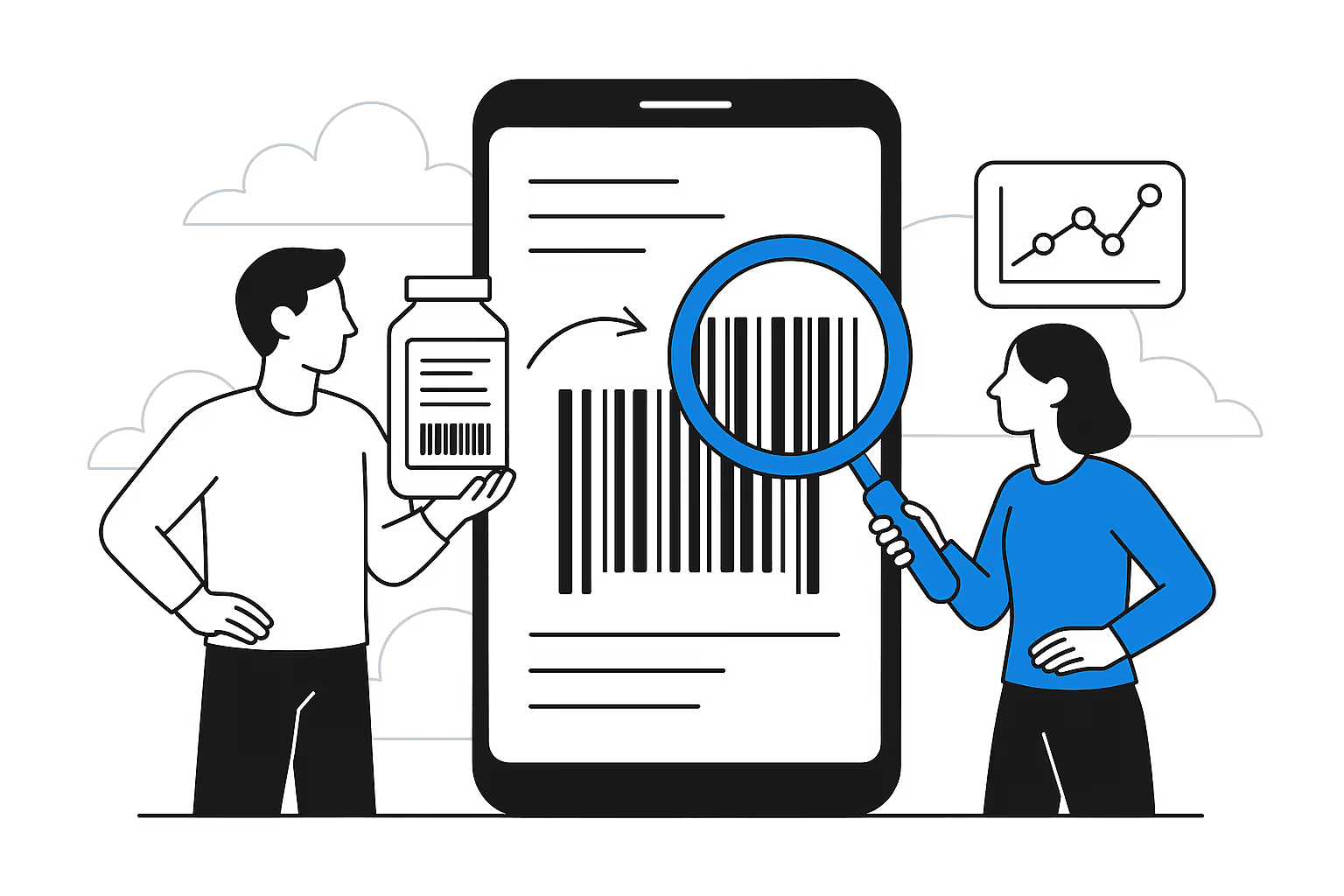
LOGI is a digital B2B platform for the construction and finishing materials market. Its catalog receives data from different suppliers: names and column order vary, categories may be nested, photos may appear in multiple columns, and some specifications are missing or provided as free-form text.

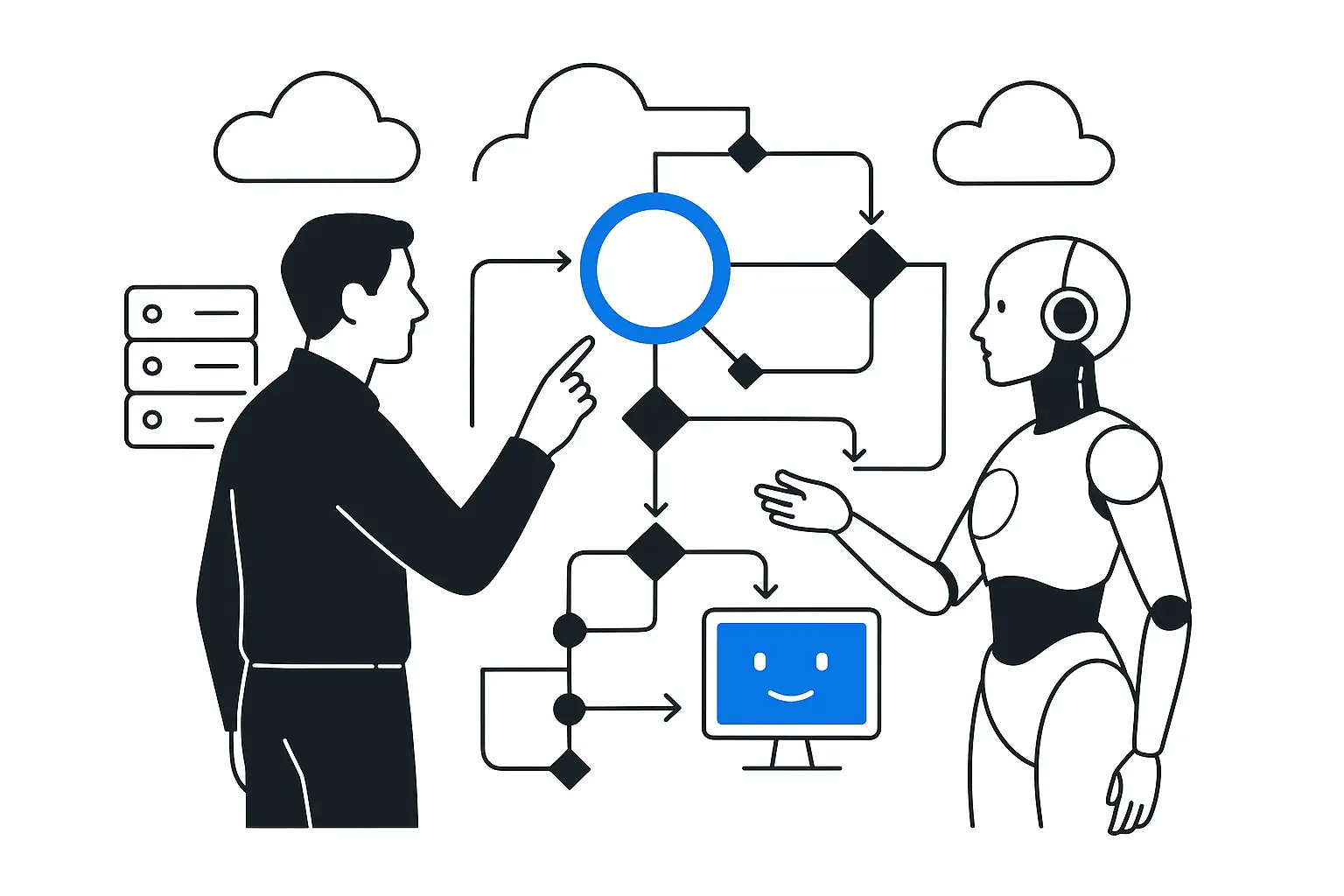
This process involves two different tasks. First, data must be safely transferred from the file into the catalog structure. Then, existing cards must be improved without turning a model's assumption into a published fact. That is why the solution was divided into two AI workflows with different inputs, checks, and permissions.

Two agents — two areas of responsibility

EnvironmentWhat it receivesWhat it preparesWhere a person makes the decision
Price list importFile or link, headers, sample rowsFile structure, field mapping, categories, and photosReviews the preview and confirms the upload
Catalog enrichmentThe product card, category schema, images, and linksSuggestions for missing attributes with justificationAccepts, corrects, or rejects each suggestion

How an employee reviews a price list import

LOGI import AI agent

Upload a supplier price list: mixed catalog, categories in three columns, images in two fields.

Import settings draft

Interface concept
Structure
header in row 2, data from row 3
Categories
three-level hierarchy
Required fields
supplier SKU, name, price
Media
primary image + additional photo

Agent checked

The agent identified the file structure, mapped available columns to LOGI fields, and retained previously defined rules wherever they were already configured.

  • Columnsall suggested source columns exist in the file
  • LOGI fieldsmappings are part of the permitted import schema
  • Pricecalculation rules are not changed by the model

Suggested action

Run a test import and show rows with errors before loading the catalog

After confirmation: LOGI: import profile · awaiting employee review

Trace: supplier file + catalog schema + saved profile + run log

Fix settingsRun dry-run

The import agent first understands the file, then suggests rules

At the first step, the agent identifies the sheet, encoding, delimiter, header row, and start of the data. Limited and masked row samples are used to analyze the structure. The model then maps columns only to permitted LOGI fields: supplier SKU, name, retail price, primary image, and other schema attributes.

Categories are processed in several modes: one category for the entire file, categories from separate columns, or a mixed hierarchical catalog up to ten levels deep. Additional photos are assigned separately. If an import profile already exists, the agent preserves the current settings and fills gaps instead of rebuilding everything from scratch.

The employee then runs a dry run: reviews the preview, missing data, and matching errors, and only then confirms the import or sends products for moderation. In PIM system implementation projects such a workflow is linked to catalog rules, publishing channels, and responsibility for data quality.

What a product-card enrichment suggestion looks like

LOGI enrichment AI agent

Find missing product specifications using the product card, photos, and manufacturer data.

Product card proposal

Interface concept
Characteristic
surface type
Proposal
matte
Basis
visible labeling and manufacturer description
Status
confirmation required

Agent checked

The agent cross-checked existing card data, visible features in the images, and the manufacturer's source. Unverifiable hidden properties are not filled in.

  • Sourcea link to the manufacturer or major distributor is saved
  • Dictionarythe value is included in the category's allowed dictionary
  • Confidencesuggestion is above the working threshold but has not yet been applied

Suggested action

Accept the value, correct it, or reject it with a reason

After confirmation: LOGI: product card · draft pending an employee decision

Trace: product card + up to 3 images + source + category schema + decision history

DeclineApply value

Assess where AI can deliver impact in your process

Enrichment relies on visible features and verifiable sources

The second agent works with the name, description, brand, SKU, current specifications, manufacturer link, and category schema. It can analyze up to three images and use only visible features: color, shape, texture, pattern, labeling, and included components. Material, power, dimensions, country of origin, or warranty must not be inferred from appearance unless the photo contains unambiguous labeling.

For web searches, the agent uses the brand and SKU together. The manufacturer's website and major dealers receive priority; marketplaces are excluded as sources. Each external fact includes the link it was obtained from. If data is insufficient, the field remains unknown or is marked as not applicable.

Suggestions are checked against category dictionaries. A new value is highlighted separately and requires an employee decision. The interface also shows the basis and confidence level: the green status is used from 0.9 onward, while suggestions below 0.7 are not applied as substantive results. Up to six previously accepted or rejected decisions help the agent account for working examples but do not replace schema rules.

The overall flow: from supplier file to verified product card

Every material step is reviewed before being written to the catalog

Input

Supplier price listFile, link, sheets, columns, and sample rows

Import

Structure AI agentidentifies the format, fields, categories, and images
Dry-runpreview, errors, and rows for moderation

Control

LOGI employeeconfirms the profile and starts the import

Catalog

Product cardssupplier data in the approved schema

Enrichment

Quality AI agentPhoto, description, manufacturer website, and dictionaries
Suggestion reviewsource, confidence, accept or reject

Result

Applied valuerecord with a source and decision log
AI suggests the structure and values, but does not bypass dry runs, moderation, access permissions, or schema validation.

What is automated and what remains under control

SolutionAgentEmployee or system
Understand the structure of an unknown fileIdentifies the format and suggests mappingsReviews the preview
Assign a catalog fieldSelects only from the approved schemaConfirms the import profile
Calculate the commercial priceDoes not change the ruleDeterministic business logic
Find a specificationAnalyzes the card, photos, and a verifiable sourceAccepts or rejects the value
Add a new dictionary valueGenerates a separate proposalDecides whether to expand the dictionary
Publish changeDoes not publish directlyPermissions, moderation, and separate application

How to measure impact without made-up promises

  1. 01

    Capture the original data flow

    Measure the time required to prepare one import, the amount of manual mapping, and the share of cards with missing data before launching the agents.

  2. 02

    Create a validation sample

    Select several suppliers and categories with different structures, photo quality, and description completeness.

  3. 03

    Record human decisions

    Separate accepted suggestions, corrections, rejections, new dictionary values, and cases without sufficient data.

  4. 04

    Compare the full cycle

    Measure not the model's response speed, but the time from receiving the price list to a usable product card and the number of repeat corrections.

Analyze each workflow separately

Use a separate analysis for connecting new sources automating price-list imports into PIM. The rules for working with photos, sources, and reference directories are collected in the article about AI-powered product card enrichment.

Catalog and supplier data

Design a controlled AI workflow for product data

2 environments

Separate import from catalog quality, define sources, dictionaries, permissions, and review points, then test the solution on real files and product cards.

  • map of incoming data and errors
  • offer review interface
  • pilot metrics and scaling rules
Discuss the PIM and AI setup

FAQ

Frequently asked questions about AI agents for product catalogs

Can the agent upload a price list to the catalog by itself?

It prepares the structure and settings, but before changing the catalog, an employee reviews the dry run and confirms the import.

Can you trust specifications found from a photo?

Only visible characteristics and unambiguous labeling. Hidden properties cannot be inferred from appearance; they require a verifiable source.

Where does the agent get external data?

Search is based on the brand and SKU. The manufacturer's website and major dealers receive priority, and the source link is saved with the suggestion.

What happens when confidence is low?

The agent does not generate a meaningful suggestion below the working threshold. The field remains unknown or is sent for manual review.

Why separate import and enrichment?

These tasks have different inputs, errors, and permissions. Separation makes it possible to independently verify the upload structure and the quality of card values.

Discuss the article: How two LOGI AI agents transform price lists…

Enter your email or phone number so we can get back to you.

Send via: