AI assistant for business - process and decision automation

An on-premises AI assistant that answers from your documents and knowledge base, works with CRM and ERP, and delivers an implementation plan.

Our clients

Clients and partners

Capital Group
FSK Group
SMLT
Tochno
Dogma
Sber City
FM Logistic
Danone
Relief Center
Pandora
Enterprise AI Assistant for Documents, CRM and ERP
Saint-Gobain
Askona
FIX PRICE
Snezhnaia Koroleva
Muztorg
TVOE
Greenway
Polaris
Campari
Yandex
Lenta
International perfume and cosmetics brand
Enterprise AI Assistant for Documents, CRM and ERP
RAEC
EKF
L'Etoile
Inventive Retail Group

We deploy enterprise AI assistants that speed up employee work, handle routine tasks, support decision-making, and work with company documents and data. Integrations, security, and manageability are tailored to the needs of mid-sized and large businesses. Integrations, security, and business value.

Working with corporate data and knowledge

The AI assistant understands policies, instructions, contracts, knowledge bases, and processes, and responds strictly within the corporate context. Employees quickly find the information they need without searching through folders, chats, and documents.

Automation of routine and complex tasks

The assistant prepares reports, statements, summaries, letters, commercial proposals, analyzes documents, drafts requirements, helps with training, supports employees, and can act as an "operator" for CRM and internal systems.

Integrations with enterprise systems

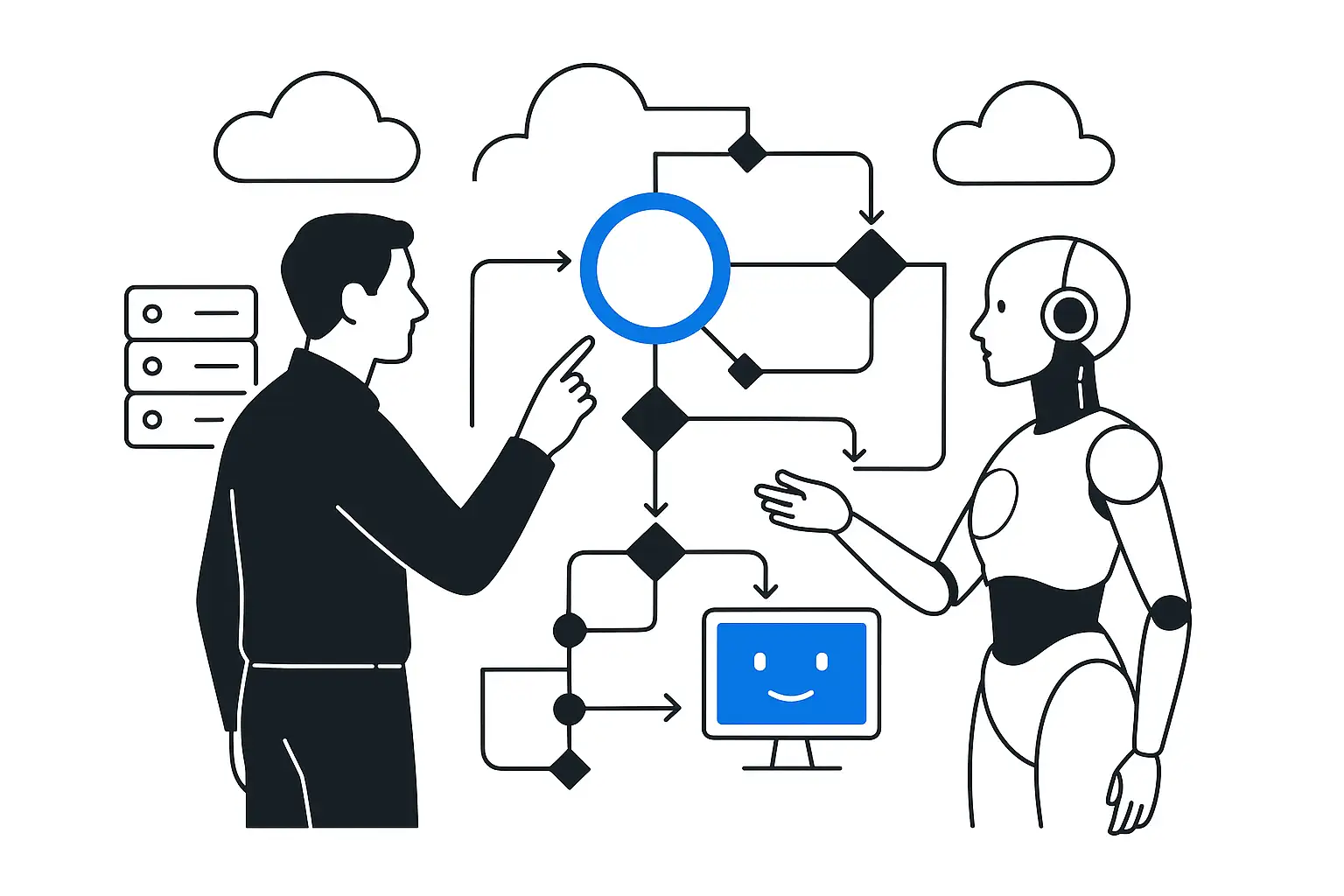
The AI connects to CRM, ERP, HR systems, document management, BI, and services. It can retrieve data, generate queries, update records, create tasks, and work within processes.

Enterprise-grade security and control

Access rights, roles, logs, quality control, internal deployment, and data retention policy are all configured for the needs of mid-sized and large businesses. The AI runs within the company perimeter or in a secure cloud.

WhatsApp, Telegram, and email — one customer context

We connect the AI assistant to WhatsApp through WAHA (WhatsApp HTTP API), Telegram, and email. The assistant answers using the company's knowledge base, saves conversations in the CRM, and sends the manager the interaction history together with a task. Sending permissions, data access, and activation of each channel are configured separately.

WAHA is installed on your server and connects WhatsApp through an authorized session. This is an independent project, not Meta's official API: when choosing it, we consider limitations and the risk of account blocking. For tasks requiring an official channel, we consider the WhatsApp Business Platform.

The phone voice robot is connected separately through telephony. The solutions described in WAHA call events and call rejection alone do not provide a streaming voice conversation.

AI voice assistant for inbound and outbound calls

A voice agent can clarify the customer's needs, answer product questions, agree on the next step, and transfer an interested customer to a manager. For outbound calls, including cold calls, we agree in advance on the contact database, whether outreach is permitted, the call time, the number of attempts, and ending contact at the person's request. The agent identifies itself as an AI assistant.

We link telephony, dialogue, and CRM: one call ID, a confirmed connection status, the conversation outcome, and the next task. We clarify ambiguous contacts, and repeated events do not create duplicate deals. Transfers to employees and connection errors are handled as separate scenarios.

In LiveKit outbound calls to phone numbers are connected through a SIP provider. An alternative for a ready-made voice-agent platform is — ElevenAgents with SIP. The choice depends on your telephony, conversation language, and data requirements.

Which services to use for live voice dialogue

OpenAI Realtime — direct voice-to-voice dialogue with context handling and tool calling. Suitable when natural responses and the ability to interrupt the assistant are important. CRM integrations are performed through separately authorized actions.

ElevenLabs Flash — fast text-to-speech synthesis. The provider reports approximately 75 ms model latency; for languages other than English, we consider Flash v2.5. This describes synthesis performance, not a guaranteed pause in a completed call.

Cartesia Sonic — streaming speech synthesis. For Sonic 3.5, the provider reports approximately 90 ms to the first audio byte. We test the specific voice, language, and speed on the phone line using the client's scenarios.

Yandex SpeechKit — another synthesis option. API v3 accepts text in chunks within a session, allowing the response to be voiced as it is generated. The dialogue model, knowledge base, and telephony are connected separately.

We begin by comparing two options: a direct voice model and the chain “speech recognition → language model → streaming synthesis.” We choose based on quality in your dialogues, total latency, cost per completed interaction, and data-processing terms. Service capabilities were checked against the documentation on September 17, 2026; regional availability and connection terms are verified before the project.


Assess where AI can deliver impact in your process

How to reduce pauses while preserving answer accuracy

We stream audio and text, open connections in advance, and begin voicing with the first completed phrase. End-of-utterance detection considers both meaning and pauses: the robot must let the person finish speaking. When interrupted, we stop generation and playback so that an outdated response does not continue over the customer.

For short questions, we prepare up-to-date product information in advance; knowledge-base searches and CRM requests have a limited waiting time. The assistant confirms a meeting or CRM change only after the action has been completed successfully.

We measure the pause from the end of the customer's utterance to the first audible response: the median and 95th percentile, as well as interruption stop time, factual errors, and the share of successfully completed conversations. We agree on the acceptance threshold during the pilot and test it on the phone line under production load. Zero delay is not guaranteed: it is affected by the network, telephony, model, and external systems.

Efficiency and growth in one solution

  1. We create AI assistants trained on company data, integrate them into workflows, design a secure architecture, and deliver controlled business value without risks to the corporate environment. The solution includes:

  2. Process analysis and identifying areas with the greatest impact.

  3. Integration with CRM, ERP, DMS, BI, and internal services.

  4. Control panel: access, security, answer quality, SLA. Business outcome:

  5. Saving hundreds of hours on routine tasks.

  6. Controlled access and data security.

  7. Faster and higher-quality operational work for teams. Solutions without unnecessary complexity from idea and analysis to result

We will study your processes and propose a ready-to-use implementation plan

  1. We consult We discuss goals and tasks, define priorities, and set expected outcomes for the joint work

  2. We analyze your processes We study current processes and approaches, identify growth points, and determine which solution will deliver tangible results

  3. We plan the solution rollout, define scope, stages, and timelines, assign responsibilities, and agree on the criteria for success.

  4. Launch and support We implement the solution, train your team and provide support so the solution delivers tangible value

Faster processes - lower costs

Integrating the AI assistant reduces team workload and increases efficiency. 40% of back-office tasks are automated 60% faster preparation of documents, letters, and reports 35% increase in support team speed 3 months average payback period for a corporate assistant Customer reviews

FAQ

Frequently asked questions

How is an enterprise AI assistant different from a standard chatbot?

It is trained on company data, understands processes, integrates with CRM/ERP, works by role, is controlled, and delivers accuracy - a fully fledged digital employee.

What tasks can the assistant handle?

Documents, summaries, customer responses, sales, procurement, support, training, information search, analytics, report generation, and assistance for managers and employees.

How safe is it to use AI?

We agree on deployment, roles, access permissions, and the activity log. When cloud voice APIs are used, the required audio or text is sent to the selected provider. For a closed environment, we select a compatible stack separately: installing WAHA on your server alone does not make all processing local.

Can the assistant be connected to CRM and ERP?

Yes. The assistant works with customer records, tasks, orders, statuses, and documents, and can perform operations via API.

Is the AI assistant suitable for large companies?

Yes. The solution scales, supports departments, complex processes, multiple roles, and strict security and SLA requirements.

Discuss: AI assistant for business - automation

Enter your email or phone number so we can get back to you.

Send via: