CrewAI 1.15.22: Agents Explain Why They Fail

CrewAI 1.15.22 enables agents to explain failures and route roles across different models, with clear implications for AI businesses.

  • The demo works, production stays silent
  • One crew, different models for different roles
  • The human in the trace, not just in the prompt
  • From SDK to platform

Trigger

In the latest CrewAI 1.15.22 release, the developers of the multi-agent framework added a dozen changelog entries: recording deployment failure reasons, tracing human feedback, routing agent roles across different models through llm_overlay, and adding the CrewAI Platform app catalog. Individually, these are routine fixes. Together, they signal that CrewAI is moving from an agent builder to a tool for operating agents in production.

For a company that has already put a multi-agent pipeline into operation or plans to do so, the difference between “the agent works” and “the agent works predictably” determines who on the team can sleep at night.

The demo works, production stays silent

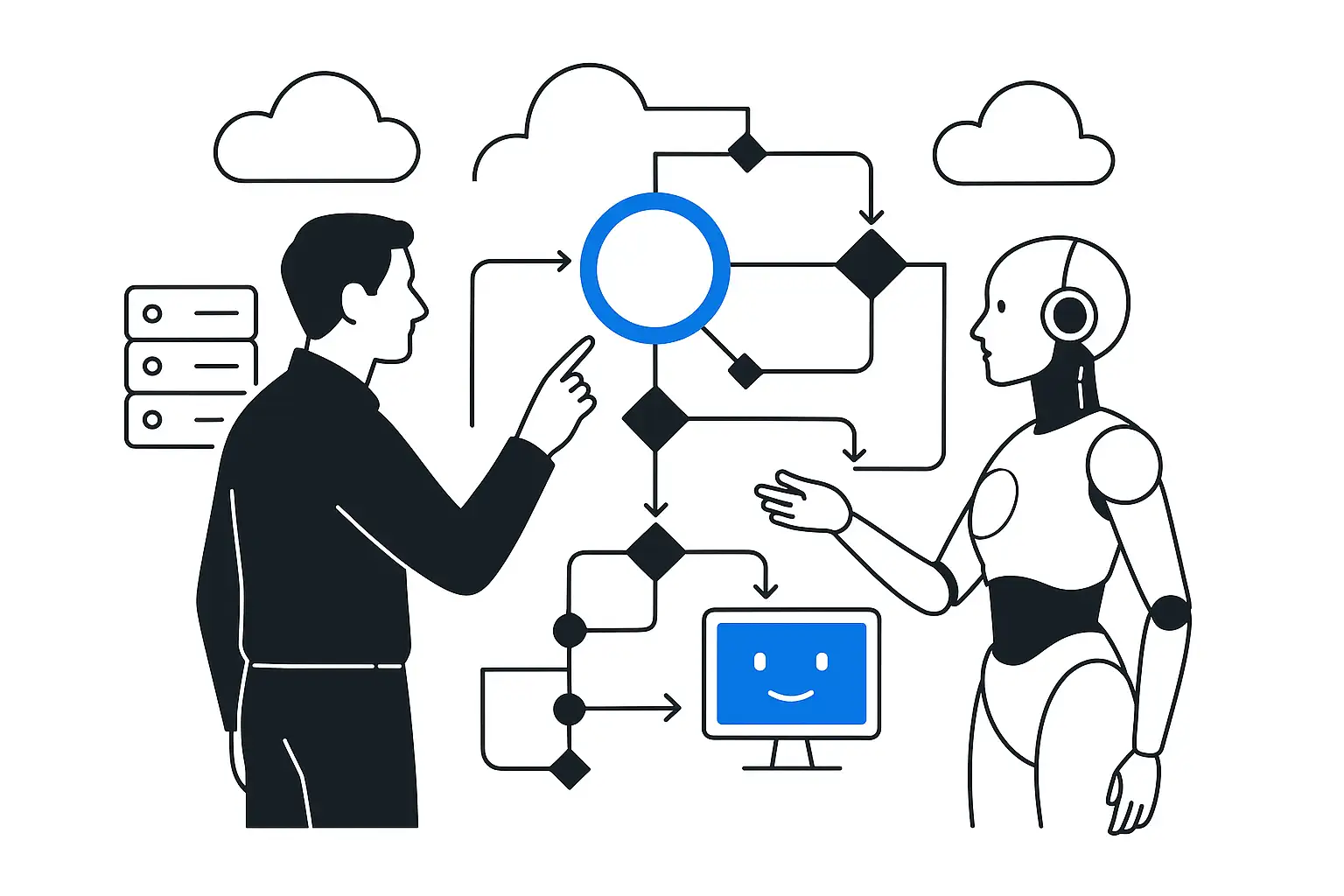
A typical multi-agent systems story: in a demo, a crew of three or four agents solves the task elegantly; in production, the same pipeline fails once a day with a generic “deployment failed” message and no details. An engineer spends an hour reproducing it because the cause is recorded nowhere, only the fact of failure. CrewAI 1.15.22 closes this specific gap: when deployment creation fails, the framework records the reason as a structured field. A small change that saves the on-call engineer hours during every incident.

One crew, different models for different roles

The new llm_overlay context routes agent roles to different models within a single crew: the planner uses an expensive frontier model for complex reasoning, while the routine-step executor uses a fast, inexpensive one. This is exactly the pattern behind KT.Team's LLM & Security Gateway: the gateway routes requests by role, cost, and security requirements instead of sending all traffic to one default model.

An agent system's TTU is determined by the slowest and most expensive link in the chain: if the planner sends every step through an expensive model, time and budget are wasted on tasks that could be handled by a model an order of magnitude cheaper.

Assess where AI can deliver impact in your process

The human in the trace, not just in the prompt

The release adds human feedback and pause events directly to execution tracing. If an agent needs human approval midway through a task, such as before charging money, sending a customer email, or posting a document in EDI, the pause point and the human decision appear in the same trace as the agent's other steps.

For tasks where an agent error costs reputation or money, it is the difference between “the agent did something; figure it out from the logs”

and a complete chain of accountability showing who confirmed the action and when.

From SDK to platform

The rest of the release features complete the same picture: validating integrations with platform services while building a crew, platform tools in the JSON wizard, a public CrewAI Platform app catalog, and OpenRouter in the list of embedding providers. CrewAI is building an ecosystem around the framework, following the same principle that has driven the growth of an ecosystem of servers and integrations around the MCP protocol over the past year.

An integration that previously required custom code for each platform service is now validated at startup and offered from a ready-made catalog.

Unheralded fixes are data too

  1. In the Bug Fixes section, three easy-to-miss entries: closing SQLite connections in kickoff tasks, safely loading text files by URL through the safe fetcher, and correctly handling CRLF in inline skill definitions.

  2. An unclosed SQLite connection in production survives until the first bottleneck: after a couple of weeks of continuous operation, the open file descriptor limit is exhausted and the instance crashes at three in the morning.

  3. This effect will not appear on a developer's demo laptop, where the process runs for minutes rather than weeks under continuous load.

  4. Loading a URL without passing it through the safe fetcher is a classic SSRF vector if the agent follows arbitrary links from input data. The fact that the CrewAI team makes and documents such fixes as separate entries is a sign of engineering discipline that becomes visible only under load.

Conclusion

Each CrewAI 1.15.22 feature looks like just another changelog entry on its own.

Together, they say:

  • teams
  • who build multi-agent systems
  • have passed the point
  • where the main question was “can the agent solve the task?”

The main questions now are whether you can understand why the agent failed to solve the task, who was supposed to approve it, and how much it cost. A company that builds a multi-agent pipeline without answers to these three questions gets a black box with its own line in the budget. A framework that cannot explain its own failure is not ready for production workloads, no matter how impressive it looks in a demo.

Discuss the article: CrewAI 1.15.22: The agent now explains…

Enter your email or phone number so we can get back to you.

Send via: