You are losing up to 15% in revenue and spend on 20% More time spent on routine processes without an intelligent assistant. An AI assistant takes over many repetitive tasks, leaving strategic work to people. The result is faster and higher-quality business processes.
How to tell your business is losing profit without an AI assistant: 5 signs for owners and leaders
Five signs it's time for a company to adopt an AI assistant to reduce routine work, speed up processes, and improve efficiency.
- What an AI assistant is and how it works
- What an AI assistant consists of
- How an AI assistant processes requests
- How an AI assistant learns
What an AI assistant is and how it works
AI assistant - is an AI-powered digital assistant that: - communicates with users by voice or in chat in natural language; - automatically performs tasks that employees used to do: answers customers, analyzes data, retrieves documents; - learns from historical data and gets better at tasks over time.
The system supports employees or managers, but does not fully replace a person - it handles routine, repetitive, or repetitive-style tasks. Without an AI assistant, the business faces the following risks: - employees spend time on actions that do not create value; - decisions are made slowly and are more likely to contain errors; - scaling the business becomes harder and more expensive.
What an AI assistant consists of An AI assistant is a system made up of several interconnected modules: - interaction interface - accepts requests via text, voice, and buttons, and provides answers; - language understanding module - understands the meaning of the request, identifies key data; - processing logic - decides what to do: respond, calculate, find data, or hand off the task; - text generation module - generates a meaningful, grammatically correct response; - integrations and databases - gets real data: orders, documents, customers; - analytics and training- keeps history, analyzes mistakes, and improves answer accuracy.
- How an AI assistant processes requests Step
- Input and recognition The user enters a request in text or by voice. If it is voice, the system converts speech to text using recognition technology. Step
- Understanding the meaning The natural language processing module analyzes the request. It determines: - intent - what the person wants; - which data is specified, for example the period "last month"; - which business process the request relates to.
For example, when asked "Find invoices for last month," the assistant understands that it needs to access the finance system and find the invoices for September. Step 3. Decision making The logic module, often based on a large language model, selects the right action: - if the request is informational, formulate an answer; - if the action is operational, perform the operation via API: create a request, add a record, send an email. Step 4.
- Data retrieval The assistant retrieves the needed information from internal systems - CRM, ERP, 1C, document databases, or spreadsheets. If the data is unavailable, it informs the user and asks for details. Step
- Response generation After receiving the data, the AI generates a natural-language response: "A total of 34 invoices were found for 1.2 million rubles. Would you like to export them to Excel?" The answer can also be supplemented visually with a table, chart, or link. Step
- Feedback and training The system tracks how useful the answer was.
If the user corrects it, such as "No, show October", the assistant remembers the context and clarifies future requests more accurately. How an AI assistant learns An AI assistant does not just follow a script like older chatbots; it keeps learning from data, mistakes, and user interactions. Main learning sources: 1. Historical data. The assistant is trained on archived customer requests, documents, procedures, and answer templates.
For example, if operators used to often write: "To process a return, fill out form No. 5," the AI remembers and uses this template. 2. Contextual prompts. The algorithm analyzes ongoing conversations: what questions users ask and how they respond to different answers. 3. User feedback. Each time the user selects "Helpful / Not helpful", the assistant adjusts its algorithms.
4. Manual fine-tuning. The company's developers or analysts periodically add new scenarios and adjust behavior based on real-world situations. 5. Automatic self-learning. Modern models can independently identify successful and unsuccessful responses based on user reactions and improve the likelihood of correct decisions. How an AI assistant integrates into business processes The AI assistant connects to the company's existing systems. It is effective when combined with data and infrastructure.
Integration options: 1. CRM - 1C:CRM, Bitrix24, Megaplan. The assistant can create customer records, update deal statuses, and send reminders. 2. ERP - 1C:UPP, Galaktika ERP. The AI receives data in the system about inventory, orders, and shipments, and prepares reports. 3. Document management - Directum, SBIS, Kontur.Diadok. The AI assistant helps search documents, verify details, and track deadlines.
4. Support services - Jira, OTRS, ServiceDesk. Processes tickets, suggests canned responses, and classifies requests.
5. Corporate messengers - Telegram, VK WorkSpace, MS Teams. Works in the environment employees already use: a person writes "Show today's tasks" and the assistant returns a to-do list. Example integration scenario: A sales manager writes in Telegram: "AI, how many new leads do we have this week?" The assistant connects to the CRM via API, retrieves the data, and replies: "37 new leads, 12 of them qualified.
Average conversion rate is 32%." Typical mistakes and how to avoid them The main mistakes arise from poor data or incorrect settings.
| Error | Reason | How to avoid |
|---|---|---|
| Misunderstanding the request | Complex or ambiguous wording | Use training on examples from your company's inquiries |
| No data to answer | No access to the required system | Set up integrations and permissions |
| An overly "smart" answer without facts | The model makes assumptions | Limit generation use, add checks |
| Outdated information | Databases are not updated | Set up regular data updates |
| Lack of context | The assistant does not "remember" past conversations | Use session and context data storage |
Discuss your challenge with an architect
What technologies power the assistant
The technologies behind an AI assistant determine its accuracy, speed, and ability to connect to company systems. 1. Natural language processing. Responsible for understanding meaning, identifying intent, and analyzing sentiment. Libraries and models such as BERT, RuGPT, YaLM, and SberGPT are used. 2. Large language models. This is the basis of conversational intelligence. Models are trained on billions of texts and can produce logically connected answers. CIS examples: GigaChat, YaLM 2.0, Salyut.
3. Speech recognition and synthesis modules.The recognition module converts speech to text, and the synthesis module converts text to speech. 4. Machine learning systems.Used for prediction and classification: evaluates how well an answer solves the task. 5. Integration APIs. Allow the assistant to work with CRM, ERP, calendars, data warehouses, and IoT devices. 6. Analytics and monitoring module. Tracks how often and to which requests the assistant responds, where it makes mistakes, and which scenarios need optimization.
What business tasks does the assistant solve? The assistant's technology allows it to work across several business areas at once, from customer support to strategic analysis. For an entrepreneur, it is important to choose the tasks where routine workload is high and the impact of automation is significant.
| Area | What the assistant does | Success metrics |
|---|---|---|
| Customer support | Reduces the load on operators and speeds up responses to customer requests | Response time, share of requests resolved without human involvement, support costs |
| Sales and Marketing | Increases conversion and lowers CPA | Conversion growth rate, lower CPA, revenue growth |
| Operational efficiency | Cuts costs and speeds up processes | Completion time, error rate, cost reduction |
| Strategic analytics | Quickly prepares insights and supports decisions | Analysis speed, revenue growth, risk reduction |
Automation of routine tasks reduces operating costs by 10-30%, increases productivity by 18-22% and customer satisfaction at 10-15%.
When to implement an AI assistant
Choosing the right time to implement it is key to a fast return on investment: launching too early brings little impact, while launching too late can cost you customers and profit. When a business has "hit a productivity ceiling" that is the main and most obvious signal.
If the company is growing but the team cannot keep up with processing requests, preparing reports, or responding to customers, it is time to automate processes. Signs: - customers wait more than 10 minutes for a response; - managers are overloaded and make mistakes; - as revenue grows, costs grow too, while profit changes little; - each new employee brings as much cost as benefit. Example.An delivery service's order volume has increased by 40%, and the support team cannot keep up.
Instead of hiring 10 more operators, an AI assistant is introduced to handle routine requests - tracking, deadlines, and status. Staffing costs stay the same, while throughput doubles. When processes are standardized but resource-intensive, AI works best where actions are repetitive but time-consuming. Examples: - filling out reports, reconciling documents; - answering common customer questions; - internal employee requests: certificates, business trips, applications.
If 60-70% of time goes to routine work, there is potential for AI implementation. Example. The HR department receives 50 emails a day with questions like "How many vacation days do I have left?" and "How do I submit an application?". The AI assistant connects to the 1C database and replies instantly. Specialists free up to 25 hours of work time per week.
When a business needs scalability without growing headcount If you plan to increase the number of customers, branches, or sales but do not want to hire dozens of new employees, deploy the assistant early. It will let you scale the business in line with revenue: double turnover without doubling headcount. When it is important to improve the quality and speed of decisions, an AI assistant can act as a "second analyst" or "advisor".
It helps teams make decisions faster by analyzing data in real time. Example. A manager writes: "Show sales for last week and highlight where the drop is over 10%." The AI generates a report, highlights problem areas, and suggests possible causes. This saves hours of manual analysis.
When the company is ready for change If the company has no structured data, processes, or procedures, the assistant will not be useful. Readiness signs: - processes are documented at least in part; - there is a database: CRM, ERP, 1C; - employees understand the goals of automation and are not afraid that AI will replace them; - there is a dedicated person or team responsible for implementation. If your company is not ready, contactto a systems integrator.
A partner will prepare the data and processes with the business specifics in mind.
Discuss your challenge with an architect
How to assess a company's readiness for implementation
To assess maturity, it is convenient to use a five-level readiness model used by CIS companies in digital transformation.
| Level | Description | What to do |
|---|---|---|
| Manual processes | Everything is done manually, there is no data, and employees are overloaded | Audit processes and choose areas for automation |
| Partial digitization | There is a CRM or 1C, but the processes are not connected | Unify data, standardize processes |
| Structured data | There is a case database, reports, and defined KPIs | Launch an AI assistant pilot on a limited task |
| Integration and analytics | The AI is connected to internal systems and works reliably | Expand scenarios and train the model on company data |
| Smart ecosystem | The AI has become part of business operations, analyzes data, and helps make decisions | Continuously improve algorithms and measure ROI |
The optimal time to implement it is when the business has already grown to the point where routine tasks are holding back scaling. Then the AI assistant turns from an experiment into a source of growth. How to assess project maturity after implementation Maturity assessment is a systematic check of how effectively the solution works, how deeply it is integrated into the business, and whether it delivers measurable value. Key maturity criteria
| Criterion | Assessment question | Metrics |
|---|---|---|
| Coverage | How many processes are automated? | Share of automated tasks |
| Quality | How accurate are the answers and decisions the AI provides? | Accuracy rate of correct answers, user satisfaction |
| Integration | Is it connected to key systems? | Number of connected systems: CRM, ERP, email, messengers |
| Analytics | Does the assistant provide insights and reports? | Availability of automatic analytics reports |
| Autonomy | How many tasks are completed without human involvement? | Share of tasks resolved without manual intervention |
| ROI and impact | Does the solution deliver cost savings or revenue growth? | ROI, payback period, time/money savings |
Example of a maturity assessment - a small business case
| Parameter | After 1 month | After 6 months |
|---|---|---|
| Share of automated tasks | 15% | 60% |
| Average response time to a customer | 10 min | 2 min |
| Project ROI | - | 85% |
| Employee satisfaction | 72% | 90% |
| Document errors | 12% | 3% |
The project is clearly developing: the assistant takes on more and more tasks, and performance indicators are improving. How do you know it is time to move to the next stage? The following signs show that the company is ready for the next level: - The AI consistently handles 70-80% of routine tasks without errors. - Users actively use the assistant: engagement is above 60%. - ROI is positive or close to zero, and the investment pays off in 6-12 months. - There are processes for collecting feedback and further training.
If at least 3 of the 4 points are met, you can move on to scaling. When scaling is risky If you start expanding without validating the pilot, the following risks are possible: - errors spread across the whole business; - the system cannot handle the load; - users lose trust and consider the AI useless.
An AI assistant as a tool for sustainable business growth
Implementing an AI assistant is a strategic step that can deliver real financial and operational benefits. To speed up processes, reduce costs, and increase revenue, a business needs to: - clearly define which tasks it wants to solve; - analyze the company's current state; - choose a solution and launch a pilot; - measure impact through specific metrics; - scale the rollout and overcome resistance and infrastructure barriers.
The solution delivers measurable results within six months. The AI assistant becomes a reliable tool that helps the company work faster and more accurately.
FAQ
FAQ
What is an AI assistant and how is it different from a regular chatbot?
An AI assistant is an intelligent system that:
- understands natural language - speech and text;
- analyzes requests and context;
- interacts with business systems: CRM, 1C, ERP;
- learns from company data.
Unlike a chatbot, an assistant does not simply follow a script; it can solve tasks and make decisions independently.
What benefits does a business get from implementing an AI assistant?
Key benefits:
- reducing staffing costs by up to 30%;
- 20-25% productivity growth;
- cutting customer response time by 5-10x;
- improving data and analytics accuracy;
- freeing employees from routine work.
This allows a business to work faster and scale without increasing headcount.
When should you implement an AI assistant?
The best time is when the business has already reached a point where routine processes are slowing growth. If employees are overloaded and customers wait too long for answers, an AI assistant can help scale operations without increasing headcount.
How long does it take to implement an AI assistant?
A pilot project can be launched in 4-6 weeks, while full deployment across key processes takes 3-6 months. The timeline depends on data readiness, integration complexity, and the number of processes that need to be automated.
How do you measure an AI assistant's effectiveness?
Effectiveness is measured by key metrics:
- share of automated tasks;
- accuracy of answers and decisions;
- saving employee time;
- ROI;
- higher conversion or revenue;
- lower costs.
What does a business risk by not adopting an AI assistant?
Without automation, a company faces:
- rising staffing and training costs;
- losing customers due to slow service;
- more errors and data loss;
- falling behind competitors using AI;
- lost profit of up to 15% of annual revenue.
Is it safe to use an AI assistant with corporate data?
Yes, with the right settings. Security is ensured through:
- local data storage on CIS servers;
- encrypting connections and access roles;
- employee access control;
- regular updates and security audits.
Where should you start when implementing an AI assistant?
A step-by-step start looks like this:
1. Identify one routine task, such as answering customer questions.
2. Choose a solution with CIS language support and integration with your systems.
3. Run a pilot for 2-4 weeks.
4. Measure the impact - speed, cost, accuracy.
5. Scale the project if the results are positive.
It is better to start small so you can quickly see the first measurable benefits.
{{cta}}
Discuss the article: How to tell that a business cannot do without an AI assistant...
Related Cases

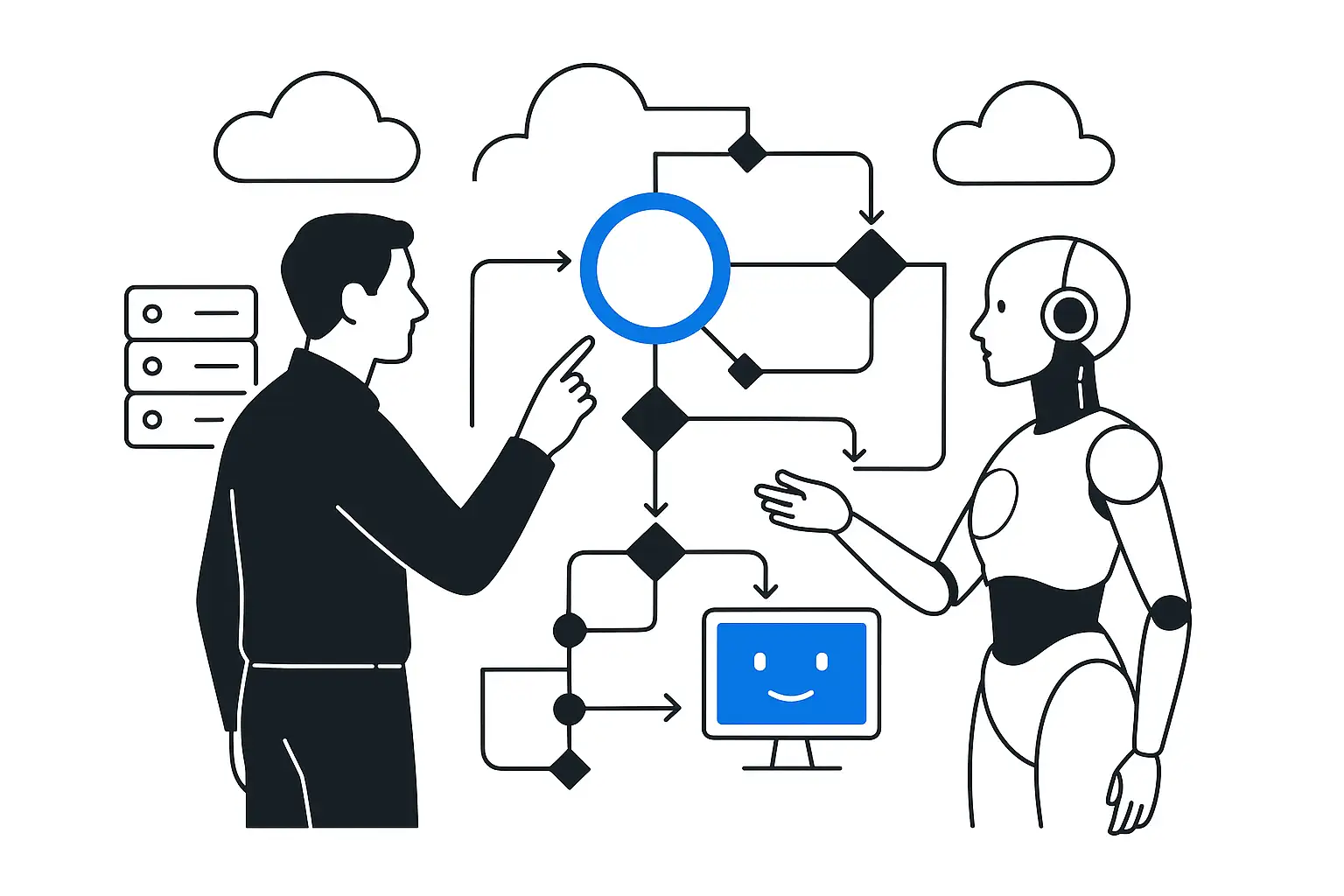
OSNO-VA: AI accountant
- Built an AI platform
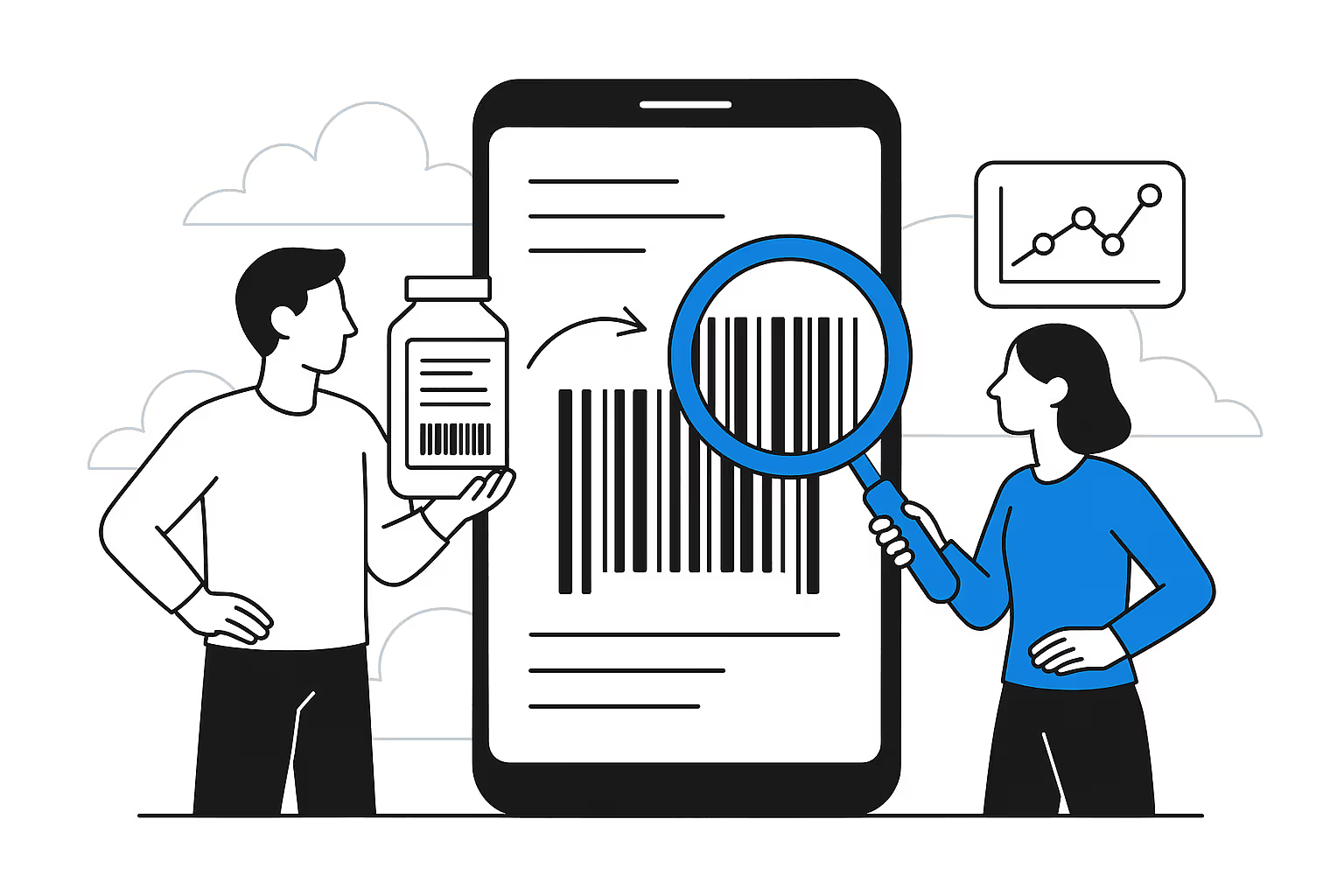
AI ingredient recognition by barcode
- The AI service processes up to 10 images in 2 minutes
- Recognition accuracy for composition is 80-95%
Related solutions
Articles on the topic
- 30,000 merges a day: AI hits the software delivery bottleneck
- A Claude key in Git: GitHub blocks the push by default
- Four frontier labs: the edge lies in the system around the model
- AI accelerated releases. Now the system must withstand failures
- AI agents in production depend on the system around the model